

What the checker reads
Paste a public URL. This meta tags analyzer requests that address, reads the HTML it gets back, and lists the tags below. It does not run the page's JavaScript, so a tag that exists only after the app boots stays off the list. When the same name appears twice, the first one is the value shown.
The same fetch rules as the Open Graph checker apply. It checks public web pages. Localhost and private network addresses are refused.
A successful check is kept for about ten minutes. A failed check is not kept.
Title tag length
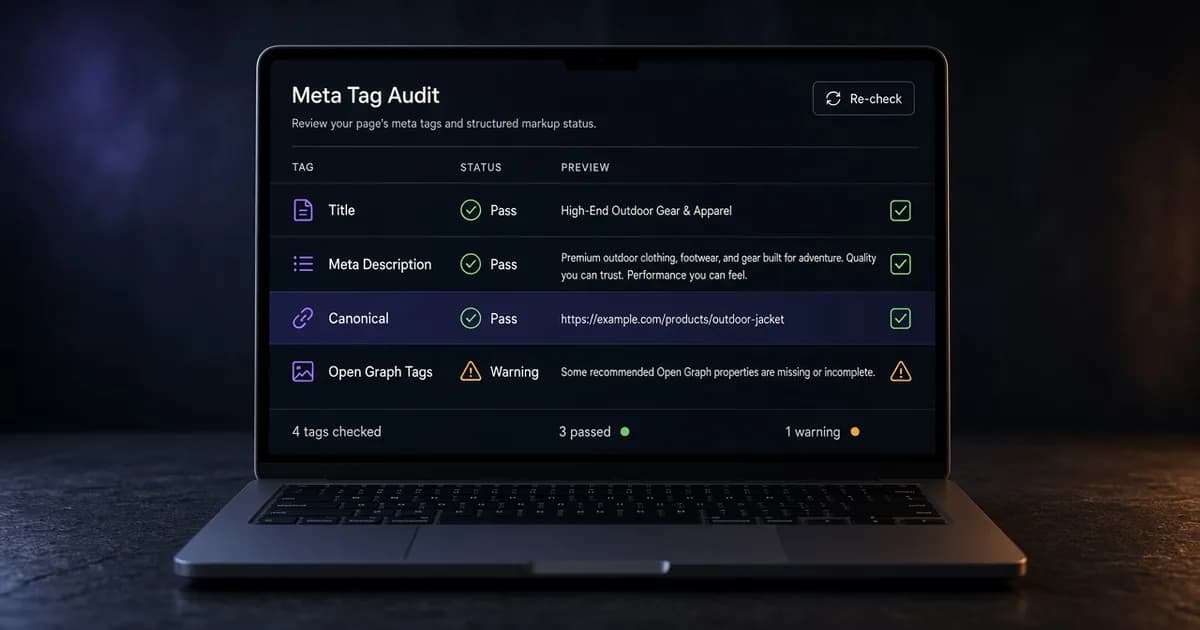
The title row is the document title, the line a search result usually shows as its headline. It shows a character count and a pixel width, measured in 20 px Arial, the size a desktop result commonly uses. Width matters more than the count: a title of wide capital letters can be cut sooner than one of narrow ones.
A title past about 600 px is marked info and asks you to shorten it. Before the width is measured, a title under 30 characters is marked info because it says too little. After the width is measured, the pixel width decides the status. The SERP preview draws the title in an estimated result for desktop or mobile, so a long title can be edited until it fits.
Meta description length
The meta description is name="description". Its row shows a character count and a width measured in 14 px Arial. A description past about 920 px is marked info, and one under 120 characters is marked info before the width is measured.
Search engines can show a different snippet from the page text, so the description is a suggestion, not a guarantee. The social summary is a separate tag. The og:description guide covers its description length and what platforms use when it is missing.
Robots and canonical checks
The canonical row is rel="canonical". A relative canonical is resolved against the page that was fetched. If the canonical URL points at a different page, the row says so.
<html lang="en">
<head>
  <meta charset="utf-8" />
  <title>Field notes</title>
  <meta name="description" content="A weekly log from the workshop." />
  <link rel="canonical" href="https://example.com/field-notes" />
  <meta name="robots" content="index, follow" />
  <meta name="viewport" content="width=device-width, initial-scale=1" />
</head>
<body>
  <h1>Field notes</h1>
</body>
</html>
The robots row is name="robots". If that tag is absent, the row says so. Crawlers then use their default unless robots.txt says otherwise, and this checker does not open robots.txt.
A value of noindex, nofollow, or none stays visible and is marked info. A separate googlebot tag is listed when the page publishes one.
A page that should be found also needs to be reachable. To list every page a crawler can reach from the homepage, generate a sitemap with the crawler, which also reports noindex pages and broken links.
Viewport, charset, and language
Viewport is name="viewport". Language is the lang attribute on the html element. Charset is a charset attribute on a meta tag, or the charset inside http-equiv="content-type".
The lang attribute and the Open Graph locale describe the same page in two places. The guide to language and locale tags shows how og:locale is written and how it relates to lang.
The H1
The H1 row is the text of the first h1 in the HTML. When the response contains more than one, the row says how many and still shows the first. An empty h1 is counted and reported as having no text.
Open Graph and Twitter tags
The Open Graph and Twitter groups list the same tags as the preview: title, description, image, URL, type, and site name. How these tags relate to search results is covered in the guide to Open Graph and SEO.
They also list the Twitter card tags for card, title, description, image, site, and creator. The image row shows the URL in the tag. A relative image URL is marked info. This page does not download the file.
Use the OG image checker when you need the file to load and a pixel size. Use the Open Graph preview guide when you want to know which tags a share card uses, and the Twitter card checker when the X card is the question. The Open Graph checker draws the estimated cards.
Author, keywords, and theme-color appear in the document list only when the page publishes them.
Before you trust the list
- The URL is the public page, not a draft on your machine.
- Title, description, canonical, and viewport are in the first HTML response.
og:imageandog:urlare absolute https addresses.- The robots value is the one you meant to publish, including a deliberate
noindex. - One H1 in the HTML matches the heading you expect.