

og:description Guide: Length, Fallbacks, Examples
og:description sets the summary line on a link preview card. See how long to make it, what platforms use when it is missing, and examples by page type.
By Abid Ali, maintainer of OG Scope
Updated · First published
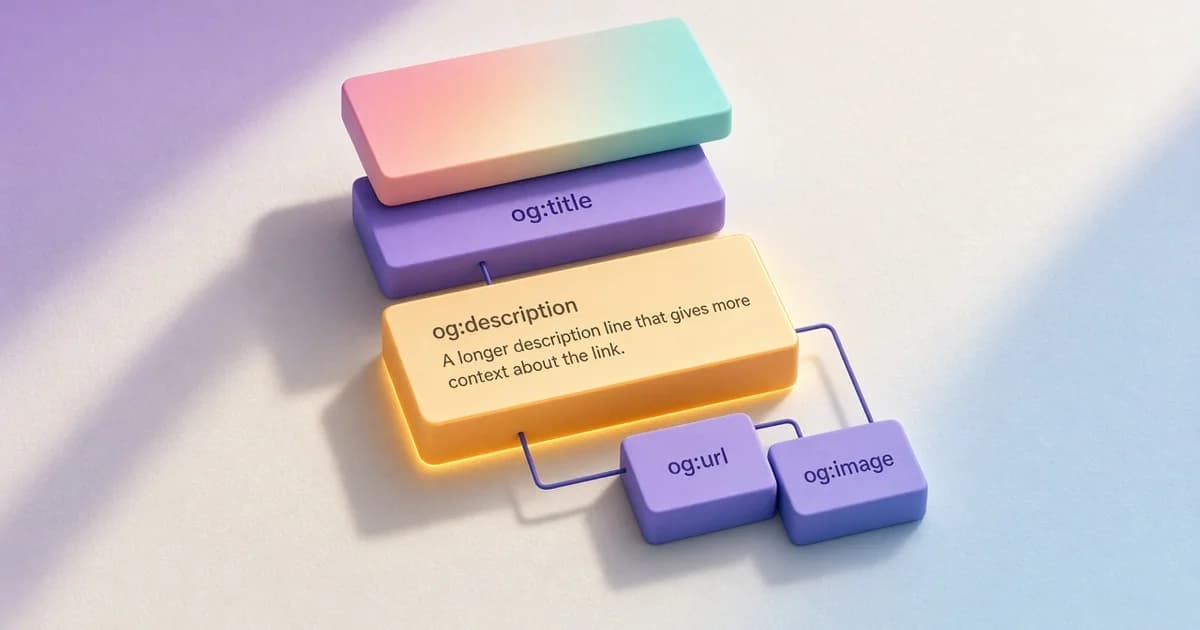
The og:description tag sets the short summary under the headline on a link preview card. It is one line in the HTML head:
<meta property="og:description" content="What the rain did to the beds, and what was replanted." />A good og description tells the reader what is behind the link in one or two sentences, without the page itself. Some cards show it in full, some show a line or two, and some compact layouts hide it. Because the reader may never click, the line has to stand on its own.
This guide covers how the tag works, what platforms show when it is missing, how it differs from the meta description, how long it should be, and examples for common page types.
How og:description works
The tag is a <meta property="og:description"> line with a plain-text content value. It usually sits beside the title, image, and URL tags:
<meta name="description" content="A weekly garden journal. This week: storm damage, drainage fixes, and three plants that survived." />
<meta property="og:title" content="Field notes from a wet week" />
<meta property="og:description" content="What the rain did to the beds, and what was replanted." />
<meta property="og:image" content="https://example.com/covers/wet-week.webp" />
<meta property="og:url" content="https://example.com/blog/wet-week" />
Unlike og:title, og:description is not one of the four basic properties in the Open Graph protocol. It is optional. Most link previews still read it when it is present, which makes it the most direct way to control the summary line.
Paste the page URL into the Open Graph checker to see the og:description it reads, next to the meta description, and how the line sits on each estimated card.
Missing og:description? How to fix it
When the tag is absent, many platforms fall back to the meta description. Some take a passage of page text instead, and others show no description at all. The result depends on the platform, which is one reason the same URL can show different summaries in different apps.
X reads twitter:description first and falls back to og:description when the Twitter tag is not set. The Twitter card checker guide covers that fallback chain. LinkedIn reads Open Graph tags for a normal page, as the LinkedIn preview guide explains.
The checker reports a gap as "Open Graph description is missing." The fix is to set the tag explicitly: one og:description line with one or two plain sentences, in the HTML the server returns rather than added by a script. One written line replaces a different fallback in each app.
og:description vs meta description
The meta description and the open graph description often hold similar text, but they are written for different moments.
| Meta description | og:description | |
|---|---|---|
| Where it shows | Search result snippets, when the search engine uses it | Link preview cards in social and chat apps |
| Reader | Someone comparing results for a query | Someone scrolling a feed or a chat |
| Trimming | Cut by pixel width in the result | Cut by each card layout |
| When missing | The search engine picks page text | Many platforms use the meta description |
The og description vs meta description choice is simple. Reuse the meta description when it already reads well on a card. Write a separate og:description when the meta description opens with search terms or a call to click. The SERP preview shows how the meta description fits a search result.
How long should og:description be?
The Open Graph protocol sets no limit. Platforms trim the text to fit the layout. Many cards show only a line or two, and chat apps can show more or less depending on the screen.
A practical og description length is one or two sentences. Put the main point in the first sentence, so a trimmed version still makes sense.
- Do not repeat the og:title. Add what the title leaves out. The repeated description guide covers that case.
- Do not open with the site name or a date.
- Use plain text. Markup and line breaks are not rendered.
- Avoid filler openings such as "In this post".
og:description and twitter:description
A page can set both tags. X reads twitter:description when it is present, and most other platforms read og:description. Two tags with the same text add nothing, so the Twitter tag is only worth setting when the X card needs different wording, for example a shorter line for a summary card.
When both are set, keep them in step. A change to one and not the other is a common reason a link shows an updated summary on one platform and an old one on another.
How to write Open Graph descriptions for product pages
Product pages are where the description does the most work, because the title often names only the item. A useful product description says what the item is and one or two details that set it apart.
<meta property="og:title" content="Oak desk, 140 cm" />
<meta property="og:description" content="Solid oak desk with a built-in cable tray and adjustable feet. Ships flat, assembles in about 20 minutes." />- Name the material, size, or use, whichever matters most.
- Leave out prices and stock levels unless the template updates them, because a cached card can keep an old value.
- Write one description per product, not one for the whole catalog.
- Keep claims factual. A card is not the place for a discount code.
More examples by page type
- Blog post. "What the rain did to the beds, and what was replanted."
- Guide. "Step-by-step repotting for indoor fig trees, with soil mix and pot size by tree height."
- Homepage. "A weekly garden journal with planting notes, weather logs, and seasonal checklists."
- Tool page. "Enter a loan amount and term to see the monthly payment and total interest."
Common og:description mistakes
- One description for every page. A template default fills every card with the same sentence.
- Two tags. A theme and a plugin both print the tag. Keep a single source.
- JavaScript-only tags. Many crawlers read the first HTML response without running scripts.
- A copied first paragraph. The opening of an article rarely works as a standalone summary.
Check the description on a live page
- Open the page source and search for og:description.
- Confirm there is exactly one tag, written for this page.
- Read it without the title. It should still make sense.
- Run the URL through a checker and compare the estimated cards.
OG Scope lists the meta description and og:description in the same metadata table, so a missing tag or a mismatch is easy to spot. The headline above the summary is covered in the og:title guide.
Write one or two sentences that stand on their own, deploy the tag in the server HTML, then check the live URL in the Open Graph checker before sharing it.