

Open Graph Checker
A free OG checker for any website. Check the OG image, meta description, and Open Graph tags on a public website link, then see a link preview for LinkedIn, WhatsApp, Facebook, X, Slack, Discord, and Telegram.
How it works
Paste a website link and review the link preview from the public HTML. An account saves nothing.
Step 1
Enter a URL
Paste any public http or https address. The system adds a scheme when you leave it off.
Step 2
Fetch the page
The server requests the HTML. The page source never comes back to your browser.
Step 3
Read the tags
Open Graph tags, Twitter card tags, the title, the meta description, the canonical URL, and the favicon are read.
Step 4
Review the result
Estimated cards, a metadata table, an image check, and a short checklist appear together.
Open Graph in short
Open Graph is the set of HTML tags a page can publish so a shared link has a chosen headline, summary, and image. The Open Graph protocol is what Facebook, LinkedIn, WhatsApp, Slack, Discord, and Telegram read when someone pastes that link. Without those tags, the product guesses. The beginner guide on what is Open Graph covers the protocol in more depth.
An Open Graph preview is a reading of that OG data. This Open Graph checker fetches the public page, reads the tags on the server, and draws an estimated card. It does not run JavaScript on the target page, and it is not a promise that Facebook, LinkedIn, or X will show the same pixels.
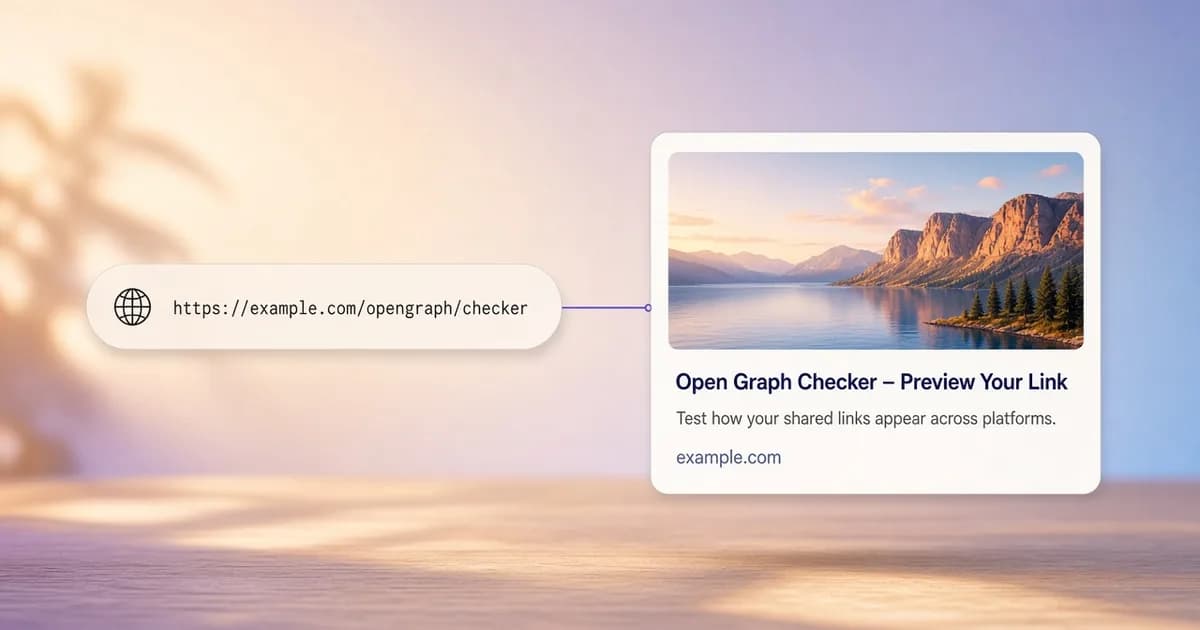
What are Open Graph tags?
Open Graph tags, often called OG tags, sit in the document head. The ones that shape a link preview are:
og:title, the OG title people see as the headlineog:description, the short summary under that headlineog:image, the Open Graph image beside or above the textog:url, the canonical page you want the click to openog:type, usuallywebsiteorarticle
Twitter card tags can override the same fields on X. When a Twitter tag is missing, X may fall back to the matching Open Graph tag.
OG image tester
An Open Graph image is the file named by og:image. It is the picture most link previews try to show. A useful image is large enough to stay sharp after cropping, uses an absolute HTTPS URL, and returns an image when requested. A path like /og.jpg is easy to miss, and it often breaks once the page is shared off your site.
Each check also tests that file: it shows the published URL, the resolved URL, whether the file loaded, and the pixel size when it can be read. The OG image checker guide explains each result. When a page has no image yet, the OG image generator builds one from a template.
What OG image size should you use?
1200 by 630 pixels is the OG image size most often used for a large link preview. JPG, PNG, and WebP are widely supported. This checker reports dimensions only when it can read them, and it warns when either side is under 200 pixels. Important detail should sit near the center, because Facebook and LinkedIn often crop the image to a wide ratio. Crop a file to that size in the browser with the OG image size tool.
How does the Open Graph checker work?
- You enter a public URL and press Preview.
- A server route fetches the HTML, follows safe redirects, and stops if the host is private or unreachable.
- The response is read for Open Graph tags and Twitter card tags.
- It also checks the page title, meta description, canonical URL, and favicon.
- The page displays estimated social cards, a metadata table, an image check, and a checklist of what it found.
Those steps are the fetch. Read how an Open Graph preview is built if you want the tags behind each card.
Meta description and meta tags
The same pass reads the meta description and the other tags that build a link preview: title, description, canonical URL, favicon, Open Graph, and Twitter cards. For the robots tag, viewport, language, and H1 as well, use the meta tag checker.
That metadata can change how a link looks when it is shared. It is not a ranking score, and this page does not tell you where the URL will sit in search results.
OG debugger vs the Facebook debugger
This OG debugger (Open Graph debugger) shows the tags and an estimated card from a fresh fetch of the public HTML.
The Facebook debugger on developers.facebook.com is a different tool. Facebook uses it to show the card Facebook cached and to ask Facebook to fetch the page again. LinkedIn has its own Post Inspector for the same job. The guide on why Facebook keeps showing the old preview is about that cache. Use the official tools when a platform is still showing an old card.
How to fix missing Open Graph tags
Put the tags in the document <head> of the HTML response, not only in a client-side render. Most social crawlers do not run your JavaScript. A practical starting set looks like this:
<meta property="og:title" content="Page title" />
<meta property="og:description" content="One or two plain sentences." />
<meta property="og:image" content="https://example.com/og.jpg" />
<meta property="og:url" content="https://example.com/page" />
<meta property="og:type" content="website" />
<meta property="og:site_name" content="Example" />
<meta name="twitter:card" content="summary_large_image" />
<meta name="twitter:title" content="Page title" />
<meta name="twitter:description" content="One or two plain sentences." />
<meta name="twitter:image" content="https://example.com/og.jpg" />
Filled-in sets for articles, products, and homepages are in the Open Graph examples guide.
Use the final public URL in og:url, and use the same URL you want people to land on. When that URL or the image URL redirects, trace redirects hop by hop to find the final address. After you deploy, run the page through this tool. If a platform still shows an old card, its crawler is usually serving a cached copy.
Facebook link preview
A Facebook link preview commonly uses og:title, og:description, og:image, and og:url. Read more in the Facebook link preview guide.
LinkedIn preview
A LinkedIn preview also reads Open Graph tags. A clear OG title, a short description, and a large image matter more than extra Twitter-only tags. The LinkedIn preview guide covers the fields this tool uses for that card.
Twitter preview
A Twitter preview on X still honors the older twitter:card tags. summary is a compact card. summary_large_image is the wide image layout. The Twitter card checker shows which of those tags were present and which layout this tool estimated.
WhatsApp preview
The results also include an estimated WhatsApp card built from the same Open Graph title, description, and image. The guide to the WhatsApp preview covers image size, caching, and why a chat can show no card at all.