

OG Image Checker & Size Tester
See what an OG image checker tests on a live page: the image URL, whether the file loads, and the pixel size when the file format exposes it.
By Abid Ali, maintainer of OG Scope
Updated · First published
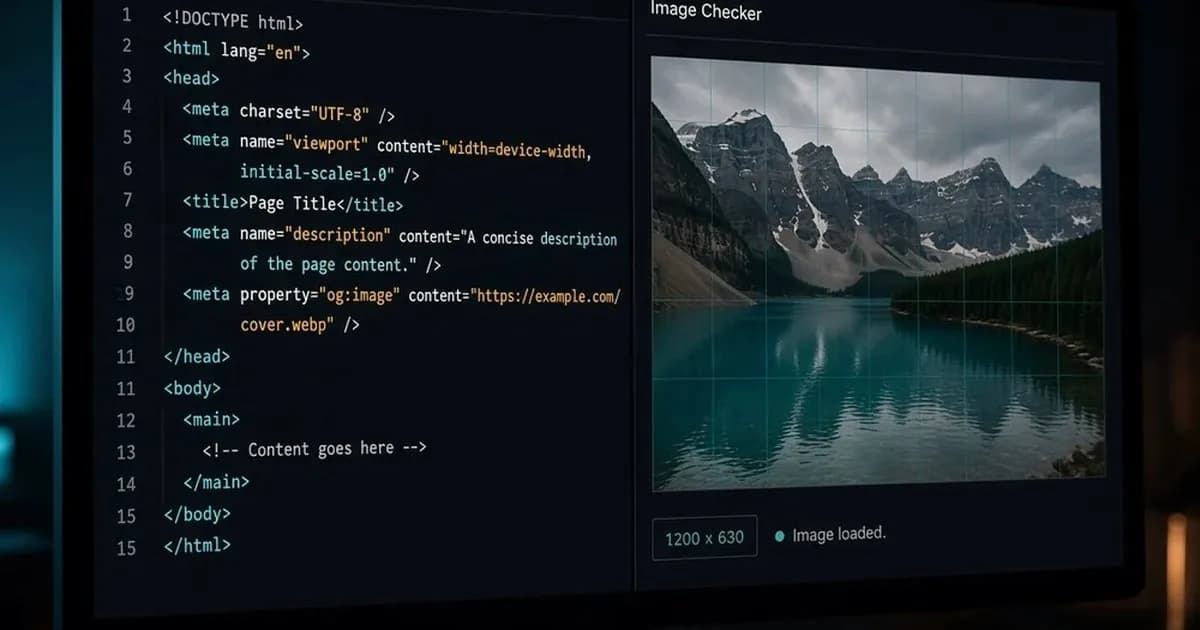
An OG image checker tests the picture on a public page, not the whole card. Paste the page link. It reads the image tag, requests that file, and tells you whether a real image came back. When the format exposes pixel dimensions, you also get width and height.
Social sharing breaks on that file more often than on the sentence. A finished page can still share as an empty box. Run this on the live URL before you send the link. It is for people who ship pages. Skip it if you only needed the search snippet.
What an OG image checker reads
A shared card is built from a few Open Graph tags: title, description, URL, type, and image. Each does a different job, and the image is the one that most often fails in public. The beginner guide covers what Open Graph is; this page stays with the image.
The Open Graph image is the file named by og:image, not the first photo in the article and not a CSS background. It has to be a URL a stranger's crawler can fetch. The guide on what an OG image is explains the tag in full. In the page source the line looks like this:
<meta property="og:image" content="https://example.com/covers/field-notes.webp" />OG Scope's checker follows a short path. It fetches the page, shows the image value exactly as published, and resolves a relative path against the final page address. Then it requests the file. If the response is an image, it says so. Width and height show up only when they can be read from PNG, GIF, JPEG, WebP, or an SVG that states pixel dimensions. If the size cannot be read, the field stays blank. It does not guess.
Say the live page is https://example.com/blog/field-notes and the tag says /covers/field-notes.webp. You still see the path you published. The request goes to the absolute address built from the final page URL. That split matters. The raw value is what you shipped. The resolved value is what the crawler will try.
og:title, og:description, og:type, and og:url can all be correct while this check fails. None of them repairs the picture, and this check does not score them.
A link preview still needs those fields: a chat app draws the title, text, and image together. When the whole card looks wrong, start with the image file, then the words. When the file is missing altogether, create an OG image from a template and publish its URL in the tag.
The warnings, and the fix for each
These are the warnings this checker prints.
OG image missing. The HTML has no og:image, og:image:url, or og:image:secure_url. The app may grab a random photo from the body, or show nothing. Put one image tag in the first HTML response. Tags that appear only after JavaScript runs are invisible to most crawlers. On a client-rendered site, set them on the server.
Image URL is not absolute. The tag is a path such as /cover.jpg. A browser on your own site can sometimes resolve that. Many crawlers are stricter. Publish a full https URL. Image URL could not be resolved means that path could not be turned into a public URL. Image URL is not a public address means the host is blocked, such as localhost or a private network.
Image could not be loaded. The URL looked public, and the response was an error, a timeout, or not an image. Open it in a private window. A login wall, a 404, and an HTML error page all land here. A very large file is a common way to earn the timeout. Fix the file before you rewrite the sentence.
Image appears unusually small. At least one side is under 200 pixels. That is a poor fit for a feed card. An icon, or a thumbnail built for a layout, will not fill a share.
Image is below the 1200×630 size commonly used for link previews. The file loaded, and neither side is under 200 pixels, but the width is under 600 or the height is under 315. It can still appear. It will look soft on a large card. Export about 1200 x 630 and point the tag at the new URL.
Crop the file to that frame in the browser with the OG image size tool, then publish the download at a new https URL.
OG image size is the question to ask after the file loads at all. 1200 x 630 pixels is the size most often used for a large link image. Keep the subject near the center. Crops differ by app, and a word on the edge disappears on one of them. JPG, PNG, and WebP are the safe formats. GIF works for a size reading. It is a weak choice for a sharp card.
Skip SVG unless the dimensions are written on the file in pixels. Support is uneven, and the checker can report a size only when those pixels are explicit.
When you replace the picture, change the URL. New bytes at the same address are how old cards stick around.
A pass is not the card
The social media preview is still app-specific after the file checks out. This preview tool estimates the fetch. It is not an official render from Meta, LinkedIn, or X, and it is not affiliated with them. A green image check can sit next to a stale card in the app you actually use.
An Open Graph preview is the whole card: image, title and description. The image check does not replace that. Use it when the picture is the question. Use a broader Open Graph checker, or an Open Graph debugger, when you need every tag on the page. A meta tags analyzer lists the document title, the canonical link, robots rules, and the social tags together, with a box for a URL. Use it when two plugins are both writing the head. The image checker is the one to open when you already know the image URL is the question.
A search snippet can be a clean sentence while the share image is broken. The image check answers the file: the published URL, whether it loaded, the type, and the pixel size when the format exposes it. A tidy meta description does not load og:image.
A Facebook link preview caches what it scraped. The facebook debugger shows that cache and can request a new scrape. If the image check is current and an old post still shows the old picture, that post can keep the old attachment. New shares follow the new scrape.
A LinkedIn preview is strict about whether its crawler can fetch the file. If the host blocks the bot, you get text and no picture. Their post inspector is blunter about that than the composer.
A Twitter preview reads Twitter card tags first, then falls back to your og tags. A tiny file that loaded successfully can still fail the large summary card. The Twitter card checker is where you see which tags were stored. Validate there when the share is going to X. A third-party mock is enough for a glance and wrong often enough that the network's own tool should get the last look.
Slack, iMessage, Discord, and WhatsApp build a link preview from the same tags and keep separate caches. Many have no refresh button. Get the file right before the first share.
The og data that matters for this pass is small: the published image URL, the resolved absolute address, the response, and the pixel size when the format exposes it. The rest of the og tags matter for the card. Read them when the picture is already fine.
Before you send the link
On the live URL, not localhost:
- One image tag is in the first HTML response, with an absolute https URL.
- That URL opens as an image in a private window.
- The reported size is near 1200 x 630, or you know why the size field is blank.
- Neither side is under 200 pixels.
- The subject sits in the center.
- If an old share might still be cached, you looked at the network you are about to use.
If the checker cannot see a size, do not invent one to feel finished. A blank field means it refused to guess. JPG, PNG, WebP, GIF, and an SVG with real pixel dimensions are the cases it can measure.
Confirm the file, then look at the card. The page can read well and the picture can still be the thing that breaks the share.