

Free Open Graph & Meta Tag Tools
Free tools to test Open Graph tags, check meta tags and redirects, preview Google snippets and Twitter cards, and resize OG images to 1200x630. No sign-up needed.
Share previews
Use these when a link is about to go into a post, a chat, or a newsletter. The Open Graph checker reads the live page and draws estimated cards. The OG image size tool crops an existing picture before it is uploaded, and the OG image generator draws a new one from a title and a template.
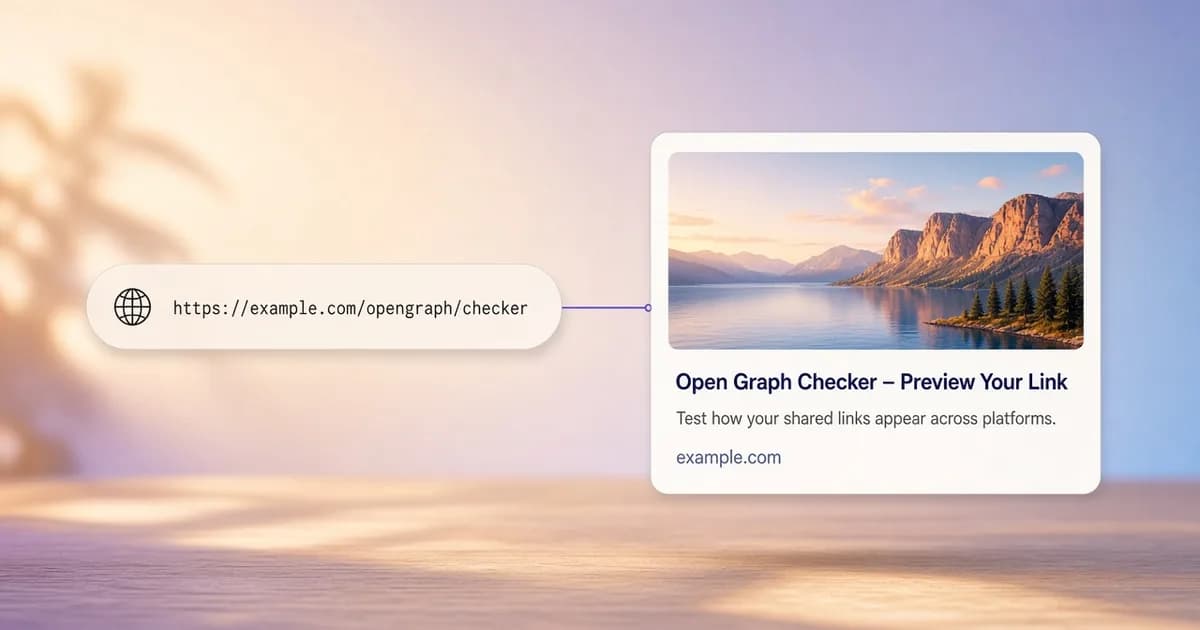 Open Graph CheckerCheck a public URL. Estimated cards, a metadata table, an HTML export, an OG image check, and a checklist.
 OG Image SizeCrop and resize an image in the browser to 1200 × 630 or another Open Graph size, then download PNG, JPG, or WebP.
 OG Image GeneratorCreate a 1200 × 630 share image from a template, a title, colors, and a logo, then download PNG, JPG, or WebP.
Search and meta tags
Use these when the question is how a page reads to a search engine. The meta tag checker lists the tags in the HTML response. The SERP preview estimates how a title and description fit a Google result. The redirect checker follows a URL to the page it finally lands on, the sitemap generator crawls up to 20,000 pages of a site into sitemap.xml, and the sitemap validator checks an existing sitemap against the protocol.
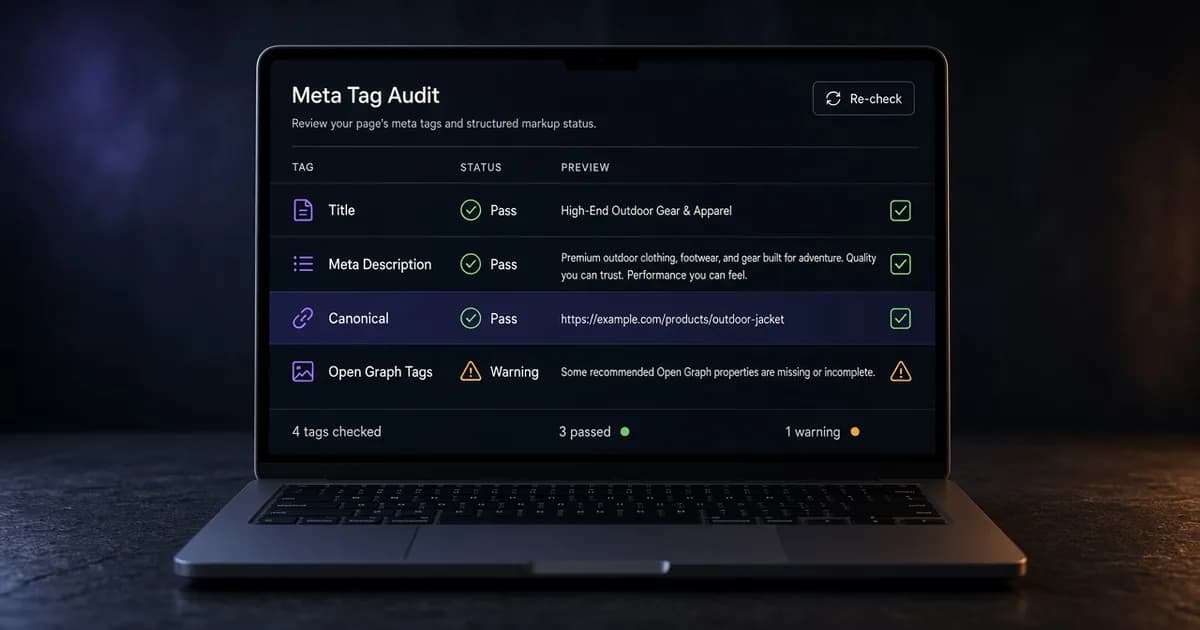 Meta Tag CheckerTitle, meta description, canonical URL, robots, viewport, language, H1, and Open Graph and Twitter tags from the public HTML.
 SERP PreviewEstimated Google title and description on desktop or mobile, with pixel width, a date or product prefix, and a rich snippet line.
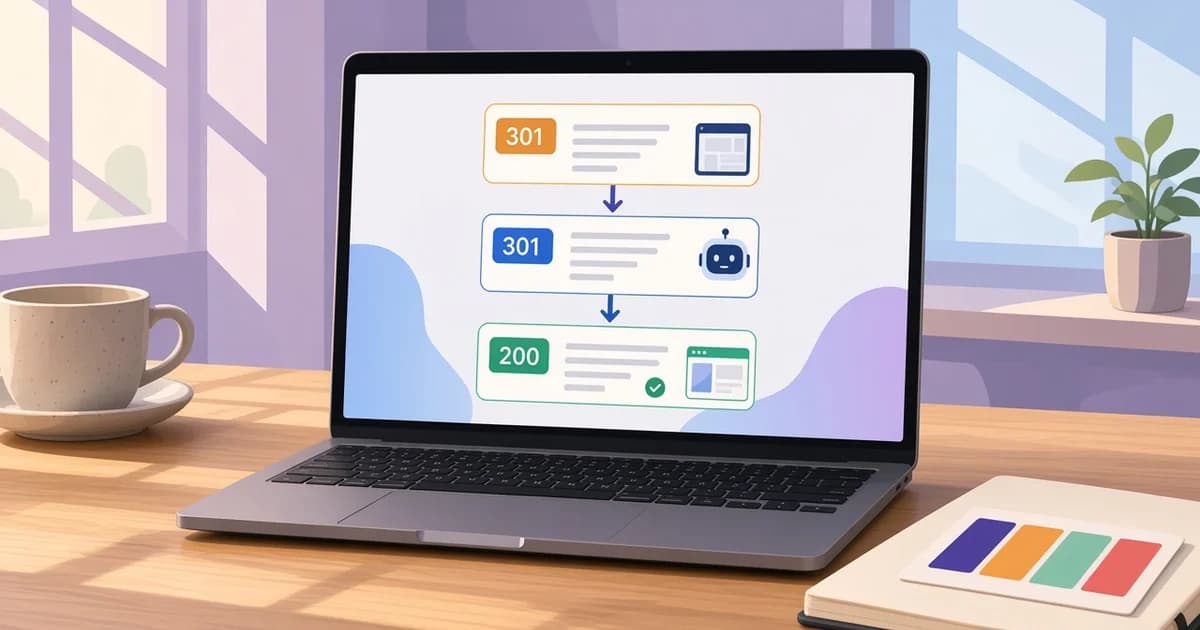 Redirect CheckerFollow one URL or up to 1,000 in bulk, hop by hop, as a browser, Googlebot, or a link preview bot, with each status code and the final URL.
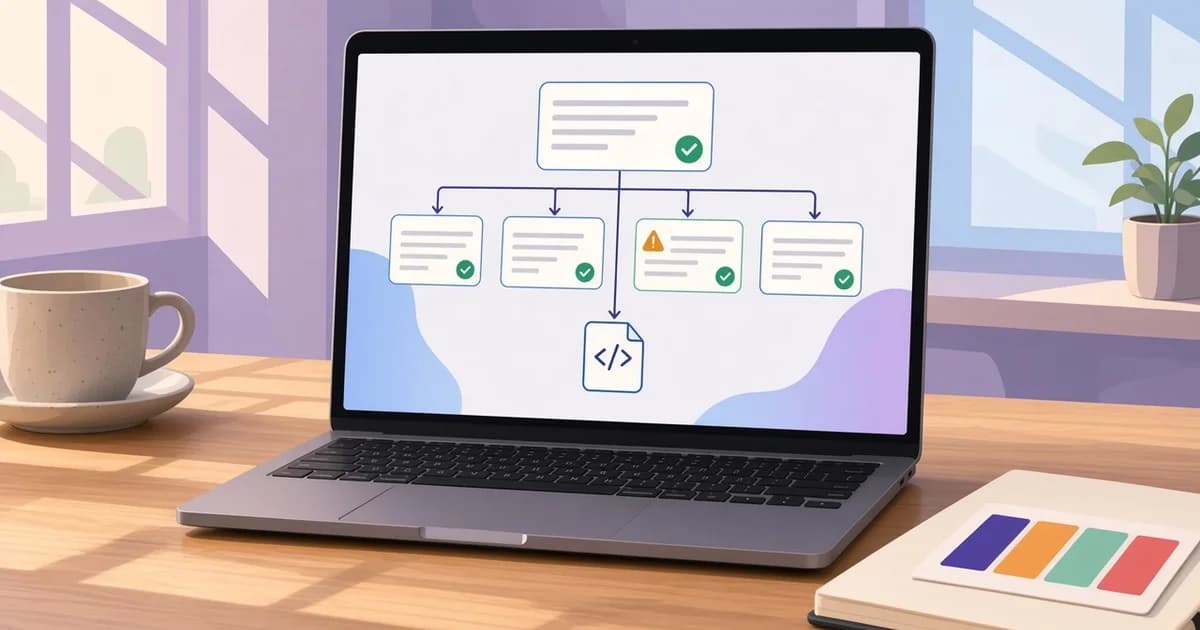 XML Sitemap GeneratorCrawl up to 20,000 pages and download sitemap.xml, a sitemap index for large sites, image tags, and a broken link report.
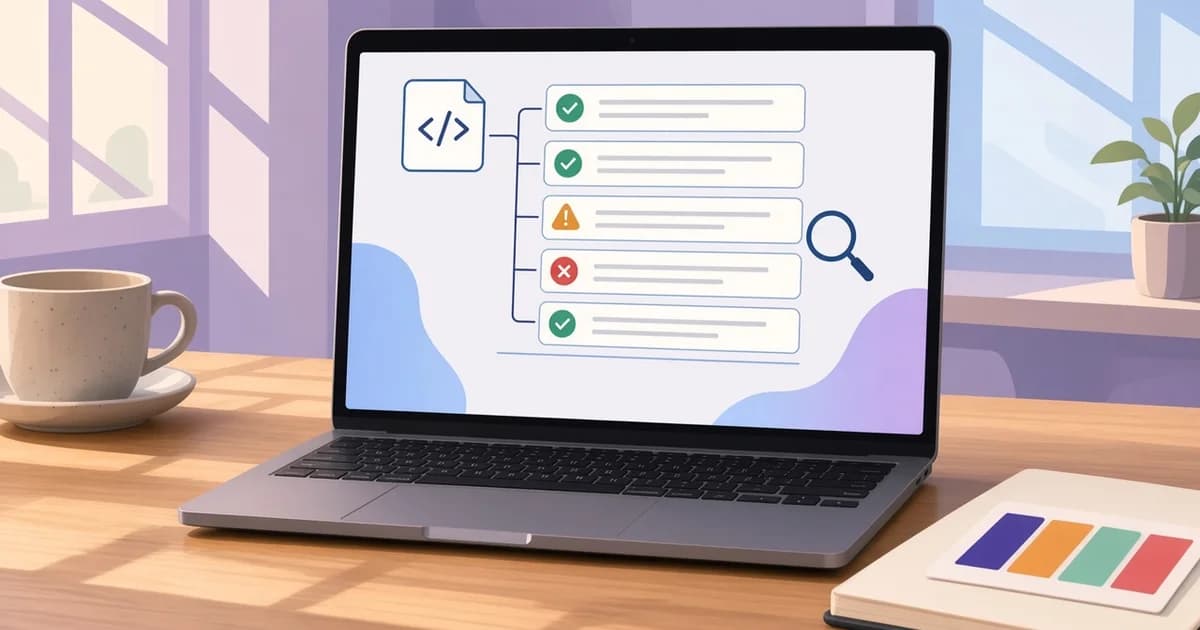 XML Sitemap ValidatorCheck sitemap.xml, a sitemap index, or a text sitemap for XML errors, bad URLs, invalid lastmod dates, and size limits.
Which tool to open first
A shared link that shows the wrong title, an old picture, or no card at all is a job for the Open Graph checker. It shows which tags the server sent and flags missing or broken ones.
When the image itself is the problem, crop it to 1200 × 630 in the OG image size tool, upload it, and check the page again. A page with no picture at all can get one from the OG image generator.
For a page that ranks but shows a cut-off title or the wrong snippet, start with the SERP preview. Use the meta tag checker to confirm that the canonical URL, robots tag, and description in the live HTML match what the template should print.
When an old address, an http link, or a short link lands somewhere unexpected, the redirect checker lists every hop with its status code, so a 302 that should be a 301 or a chain of three redirects is easy to spot.
A site with no sitemap, or one that has grown past it, can get a fresh file from the XML sitemap generator. The same crawl lists broken links and noindex pages it passes on the way. When Search Console reports that a sitemap could not be read, the sitemap validator shows the XML error or the URL entries at fault, with line numbers.
Every tool runs without an account. The checkers read public pages only, and the previews are estimates, not the exact cards or results a platform will show. The Open Graph guides explain each tag in more detail.