

What Is og:locale? en_US vs en_GB and Alternates
og:locale states the language and region of a page's Open Graph tags. See the format, when to use en_US or en_GB, and how og:locale:alternate works.
By Abid Ali, maintainer of OG Scope
Published
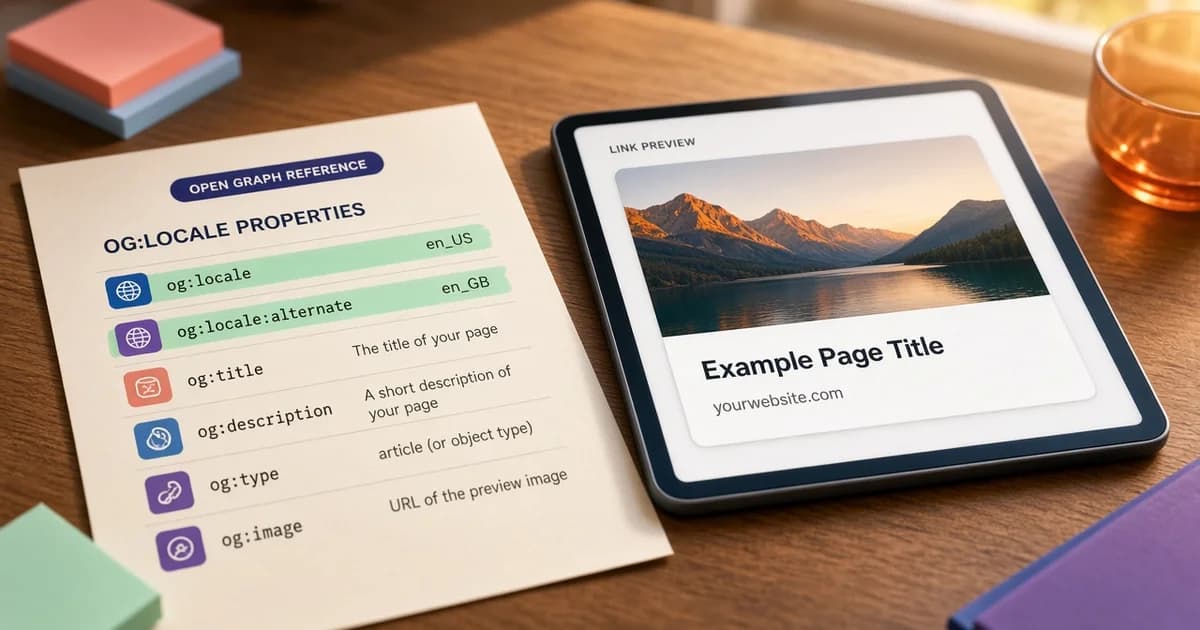
The og:locale tag states the language and region the Open Graph tags on a page are written in. It is one line in the HTML head:
<meta property="og:locale" content="en_US" />The Open Graph protocol defines the og:locale value in the format language_TERRITORY and sets en_US as the default. The tag is optional. It matters most on sites written for a region other than the US, and on sites that publish the same page in several languages.
This guide covers the format, the choice between en_US and en_GB, how og:locale:alternate lists translations, and how the open graph locale relates to the lang attribute and hreflang.
The og:locale format
The value of <meta property="og:locale"> joins two codes with an underscore:
- Language, a lowercase two-letter code such as
en,fr, orde. - Territory, an uppercase two-letter region code such as
US,GB, orCA.
That gives values such as en_US, en_GB, fr_FR, fr_CA, and pt_BR. The underscore is the detail most often missed. The HTML lang attribute and hreflang use a hyphen, as in en-US, so the same locale is written two ways in one head.
| Where | Format | Example |
|---|---|---|
| og:locale | language_TERRITORY | en_GB |
| html lang | language-REGION | en-GB |
| hreflang | language-region | en-GB |
The meta tag checker reports the page's lang value from the server HTML, which is the quickest way to confirm which language the page declares before matching og:locale to it.
Missing og:locale? How to fix it
A page without og:locale falls under the protocol default, en_US. For a US English page that is already correct, and the tag can stay out. For any other language or region, the default describes the page wrongly.
The fix is one og:locale line in the server HTML that matches the lang attribute, written with an underscore: lang="en-GB" becomes en_GB. On a multilingual site, generate it from the same setting that writes lang, so the two cannot disagree.
og locale en_US vs en_GB
Both are English. The difference is the region the text is written for, which usually shows in spelling, dates, currency, and units.
- en_US fits text with US spelling (color, optimize), US dates, and prices in dollars. It is also the protocol default, so leaving the tag out has the same meaning.
- en_GB fits text with UK spelling (colour, optimise), UK dates, and prices in pounds.
Choose the locale that describes the text, not the location of the business or the server. A UK company that writes in US spelling for a global audience still publishes en_US content. A site with one English version picks one value and uses it on every page:
<html lang="en-GB">
<head>
  <meta property="og:locale" content="en_GB" />
  <meta property="og:title" content="Colour guide for the spring range" />
  <meta property="og:url" content="https://example.co.uk/colour-guide" />
</head>
How og:locale:alternate works
When the same page exists in other languages, each version keeps its own og:locale and lists the others with og:locale:alternate, one tag per locale. The tag is repeated rather than holding a comma-separated list.
<!-- On https://example.com/en/pricing -->
<meta property="og:locale" content="en_US" />
<meta property="og:locale:alternate" content="fr_FR" />
<meta property="og:locale:alternate" content="de_DE" />

<link rel="alternate" hreflang="en-US" href="https://example.com/en/pricing" />
<link rel="alternate" hreflang="fr-FR" href="https://example.com/fr/tarifs" />
<link rel="alternate" hreflang="de-DE" href="https://example.com/de/preise" />
The hreflang links in the same head point search engines at each version. Keep the two lists in step: every alternate locale should match a real translated page with its own hreflang entry.
og:locale and search engines
The open graph locale is written for platforms that read Open Graph tags. Google's documentation on localized versions of a page relies on hreflang annotations and the page content, not og:locale. The tag is not a ranking signal. It is one more place where the same language should be stated consistently. The Open Graph and SEO guide covers which head tags serve search and which serve sharing.
Common og:locale mistakes
<!-- Hyphen instead of underscore -->
<meta property="og:locale" content="en-US" />

<!-- Language without a territory -->
<meta property="og:locale" content="en" />

<!-- The current locale repeated as an alternate -->
<meta property="og:locale" content="en_US" />
<meta property="og:locale:alternate" content="en_US" />- A hyphen instead of an underscore. The value is copied from the
langattribute. - Language only.
enleaves out the territory the protocol format includes. - The same locale on every translation. A shared template prints en_US on the French and German pages too.
- Alternates without pages. A locale is listed for a translation that does not exist.
- The current locale as an alternate. The page lists its own language in og:locale:alternate.
- A mismatch with the text. og:locale says en_GB while the page is written in US spelling, or the reverse.
How to set og:locale
- Plain HTML. Print the tag in the shared head template next to
og:site_name. On a multilingual site, derive it from the same value that setslang, with the hyphen swapped for an underscore. - Next.js App Router. Set
openGraph.localeand, for translations,openGraph.alternateLocalein the page metadata. - WordPress. SEO plugins usually print og:locale from the site language setting. Multilingual plugins can change it per translation, which is worth checking on one page per language.
// app/[lang]/pricing/page.tsx (French version)
export const metadata = {
  openGraph: {
    locale: "fr_FR",
    alternateLocale: ["en_US", "de_DE"],
  },
};
Check og:locale on a live page
- View the source and find og:locale and the html lang value.
- Confirm both name the same language and region.
- On a translated site, open each language version and compare.
- Confirm every og:locale:alternate matches a live translation.
The Open Graph tags cheat sheet lists og:locale with the rest of the optional tags. Set one locale per page that matches the text, then run the live URL through the Open Graph checker to confirm the title, description, and image that the card is built from before sharing it.