

What Is og:type? Website vs Article
og:type tells a platform what kind of page a shared link points to. See when to use website or article, which other types exist, and copy-paste tags.
By Abid Ali, maintainer of OG Scope
Updated · First published
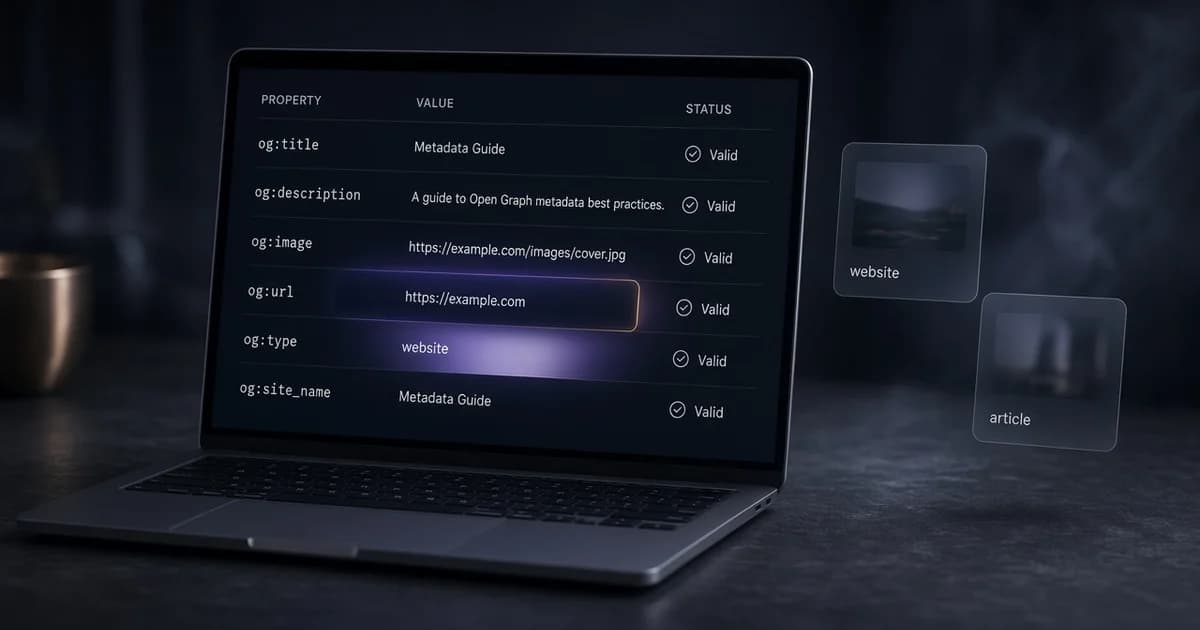
The og:type tag tells a platform what kind of object a shared URL represents. Most pages need one of two values: website for a homepage, a tool, or a landing page, and article for a dated post or guide. It is one line in the HTML head:
<meta property="og:type" content="website" />The Open Graph protocol lists og:type as one of four basic properties, next to og:title, og:image, and og:url. When the tag is missing, the protocol says the page should be treated as website. That default is why many sites never notice the tag is absent, and why a blog post can end up described as a generic website.
This guide covers the common og types, how to choose between website and article, the extra tags that come with article, and the mistakes that leave the wrong value on a live page.
What og:type does in a link preview
og:type does not change the size of the card or the crop of the image. The title, description, and image decide what a reader sees. The type is a label for the object behind the link. Services that read it can use it to describe or group the content, and some types make extra properties meaningful, such as a publish date for an article.
Because the visible effect is small, the open graph type is easy to get wrong without anyone noticing. A wrong value rarely breaks a card. It does describe the page inaccurately to any service that relies on it.
Missing og:type? How to fix it
The checker marks a missing tag as a note, not an error: "Add og:type. Most pages use website." The card still renders, but the Open Graph protocol lists og:type as one of its four basic properties, so the page is incomplete without it.
The fix is one line in the server HTML: <meta property="og:type" content="website" /> for most pages, or article for dated posts. The next sections cover the other values and when each fits.
Open Graph types you can use
The Open Graph protocol site defines a short list of types. The values that cover almost every page are:
website: the default. Homepages, tools, landing pages, listings.article: a news story, blog post, or guide with a publish date.profile: a person, with optional first name, last name, and username properties.book: a book, with optional author, ISBN, and release date.music.song,music.album,music.playlist,music.radio_station.video.movie,video.episode,video.tv_show,video.other.
Some platforms document extra types of their own, such as a product type for catalog pages. Use one only after checking that platform's documentation. A value outside the protocol list can be ignored by other services. Store themes are a common example: the Shopify guide shows the og:type product tags a product page prints.
Website vs article: how to choose
For most sites the decision comes down to these two og types. A simple test helps. If the page has a publish date and reads as a standalone piece in a feed, it is an article. If it is a place a visitor returns to, such as a homepage, a pricing page, or a tool, it is a website.
| Page | og:type |
|---|---|
| Homepage | website |
| Product or pricing page | website |
| Online tool or app screen | website |
| Category, tag, or blog index | website |
| Blog post or news story | article |
| Dated guide or tutorial | article |
| Author or team member page | profile |
Documentation sits between the two. A guide that carries a date and is written as a single piece fits article. A reference page that changes without a date is safer as website.
Example: og:type website
The <meta property="og:type" content="website" /> line is the right tag for a homepage and for most pages that are not dated posts. It usually sits with the other basic tags:
<meta property="og:type" content="website" />
<meta property="og:title" content="Field Notes: a weekly garden journal" />
<meta property="og:url" content="https://example.com/" />
<meta property="og:image" content="https://example.com/covers/home.webp" />
Each URL needs its own og:url, matching the canonical address the page declares. The type can stay website across the whole section, and the brand name belongs in og:site_name rather than in the type.
Paste the page URL into the Open Graph checker to see which og:type value the server returns, next to the title, description, and image it reads.
Tags that come with og:type article
When og:type is article, the Open Graph protocol defines a set of article properties. They are optional, and they describe the post in more detail:
<meta property="og:type" content="article" />
<meta property="og:title" content="How to repot a fig tree without losing leaves" />
<meta property="og:url" content="https://example.com/blog/repot-a-fig-tree" />
<meta property="og:image" content="https://example.com/covers/fig-tree.webp" />
<meta property="article:published_time" content="2026-01-15T09:00:00Z" />
<meta property="article:modified_time" content="2026-01-16T14:30:00Z" />
<meta property="article:author" content="https://example.com/authors/sam" />
<meta property="article:section" content="Houseplants" />
<meta property="article:tag" content="Repotting" />
<meta property="article:tag" content="Fig trees" />
Dates use the ISO 8601 format, either a plain date such as 2026-01-15 or a full timestamp with a time zone. article:author points to a profile URL, and article:tag can repeat once per tag. Keep these dates in step with the date shown on the page and in any structured data, so every source gives the same answer.
These properties belong on article pages only. Adding article:published_time to a page whose type is website does not turn it into an article.
Common og:type mistakes
- One value for the whole site. A shared template prints website on every page, including posts. Set the type per template: article in the post layout, website elsewhere.
- Two og:type tags. A theme and an SEO plugin both print the tag, with different values. A platform may read either one. Remove one source so the head holds a single tag.
- An invented value. Values such as blog, post, or webpage are not in the protocol. Use website or article instead.
- Tags added only by JavaScript. Crawlers that build link previews often read the first HTML response without running scripts. A tag injected in the browser may never be seen.
- Article properties on a website page. Dates and sections on a page typed as website are not read as article data.
How to check og:type on a live page
- Open the page source, not the element inspector. The inspector shows the page after scripts run, which can hide a JavaScript-only tag.
- Search for og:type and confirm there is exactly one tag.
- Confirm the value matches the page: website or article.
- On article pages, confirm
article:published_timematches the date shown to readers. - Run the URL through a checker that fetches the HTML on a server.
OG Scope fetches the public URL without running JavaScript and lists each Open Graph tag it finds in a metadata table, so a missing or duplicated og:type shows up beside the other tags. The Open Graph preview guide explains how the rest of the card is built, and the meta tag checker lists og:type alongside the page title, canonical URL, and robots tag.
A platform can keep an older copy of the page after the tag changes. To ask Facebook for a new fetch, use the Facebook Sharing Debugger, covered in the Facebook link preview guide. The headline on the same card is covered in the og:title guide.
Set website on pages that are places and article on pages that are pieces, remove any duplicate tag, then check the live URL in the OG Scope checker before the link is shared.