Guide
Missing Meta Description: How to Check and Write One
How to find a page with no HTML meta description, write a summary of that page, and check the public tag before a search snippet uses other text.
By Abid Ali, maintainer of OG Scope
Published
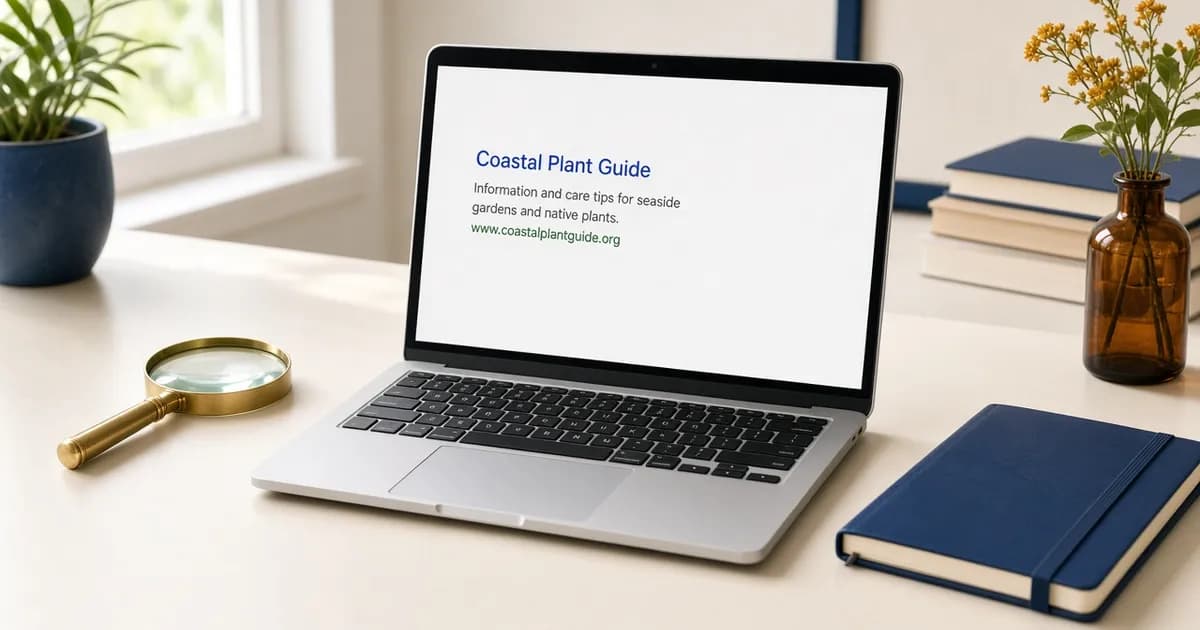
A missing meta description means the public HTML has no usable meta name="description". The HTML meta description is the summary a search result may show under the title. It is not og:description. That social line is covered in the og:description guide.
Google's snippet documentation says snippets are created from the page content, and that Google sometimes uses the meta description when it describes the page better than text taken from the page. A missing tag does not block the page. It leaves the snippet to whatever sentence the page itself supplies.
What the checker treats as missing
Paste the public URL into the meta tag checker. It reads the first HTML response and looks for name="description" or property="description". The row says Meta description is missing when that tag is absent, or when its content is empty or only spaces. If the page prints more than one description tag, the checker keeps the first one that has text and ignores the rest.
A description that appears only after JavaScript runs is missing from that response, even when the browser shows it after the page loads. View the page source, or trust the checker row, rather than the rendered tab. The same fetch is what the SERP preview uses when it fills the description field. That preview is an estimate of how the sentence fits. It is not the snippet Google will choose.
Find the pages that need one
Start with the URLs people actually open: the home page, the main product or article templates, and any page that already ranks or gets shared. Google says that if there is not time to write a description for every URL, those critical pages come first. A site-level sentence belongs on the home page and on other pages that collect many items. Every other URL needs a sentence about that URL.
Check each of those addresses in the meta tag checker. A missing row is the page to write. A row that repeats the title, or that uses the same sentence as the rest of the site, is also worth replacing: Google says identical descriptions are not helpful when individual pages appear in search results. The checker does not crawl the whole site for this tag, so a template bug can hide until you open a second URL of the same type. If the home page is fine and a blog post is empty, the post template is the place that never prints the tag.
An editor field is not the tag. A CMS can store a summary and still publish HTML without name="description", or it can print the site-wide sentence on every post. Google notes that WordPress, Wix, and similar tools often set this from a search settings screen rather than from hand-edited HTML. After you save, the public URL is the check. If that response still has no content, the field is not reaching the head.
How to write a meta description
Write a meta description as one summary of that page. Name the thing the page is about, then one or two facts a reader would use to decide to open it. A trail page can say the distance, the season, and the one landmark that matters. A product page can gather the price, the maker, or the size that are otherwise scattered down the page. Google uses those examples: a description can hold the author and date of a post, or the details of a product, in one place.
Keep the sentence specific to the URL. The same welcome line on every product is the pattern Google shows as a weak description. A list of keywords with no statement of what the page contains is also a weak description. Google says strings of keywords do not tell a reader what the page is, and are less likely to be shown as the snippet.
A large catalog does not have to be written one URL at a time. Google says programmatic descriptions are appropriate for database-driven sites, and it encourages them, when the result is human-readable and different on each page. Pull the name, the category, and one fact that changes per item. A template that only swaps the product name into a fixed slogan still reads as the same description.
There is no maximum length in Google's documentation. The snippet is cut to fit the device. The Meta description length row on the checker is the width measurement for that sentence. Use it after the sentence exists. A missing tag is the problem this page is about.
Put the tag in the head
The tag sits in the document head, next to the title:
<meta name="description" content="Trail notes for Maple Ridge: a 6 km loop, open from April through October, with the creek crossing marked at the halfway point.">The content is plain text. It describes the page a visitor will land on, not a sign-in wall and not a different article. One tag is enough. A second description later in the head does not replace the first one the checker already kept. Publish the page, then request the same URL again. The row should show the sentence you wrote. If it still says the description is missing, the template, a cached HTML copy, or a script-only update is still what the server returns.
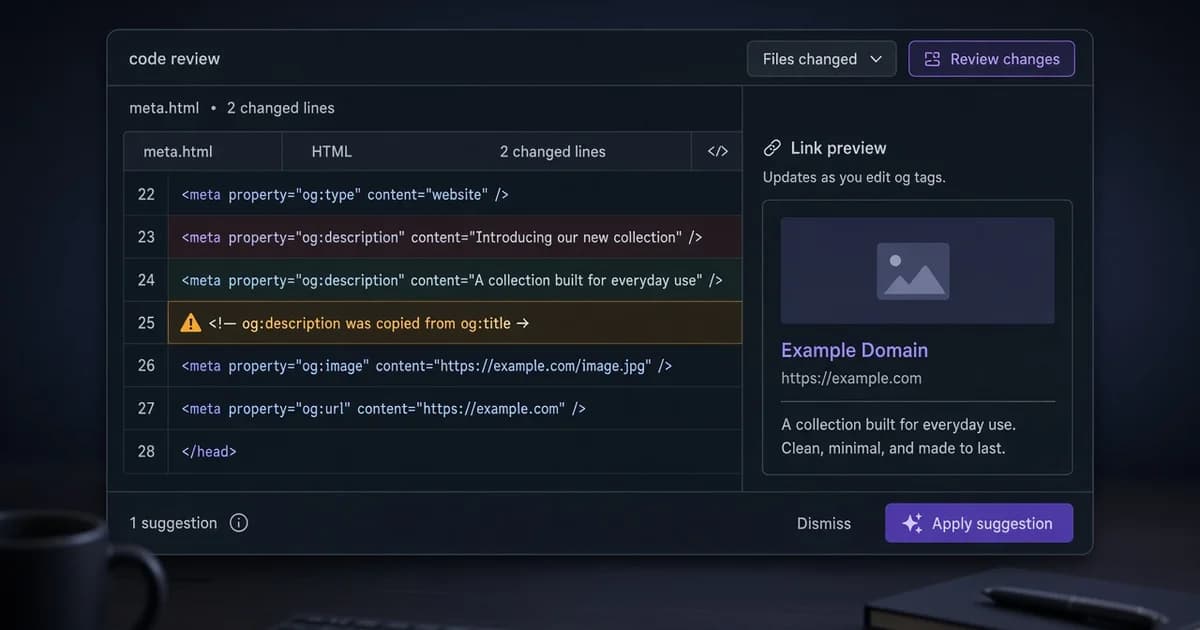
Filling this tag does not write og:description. Share cards read the Open Graph description, and they may fall back to the HTML meta description only when that social tag is absent. Set both when the search summary and the card should not be the same sentence. The og:description guide is the place for the card. This page stops at the search summary.
Read the result, then stop
After the public page shows the new sentence, open it in the SERP preview if you want to see the line in an estimated result on a wide or a narrow screen. That drawing uses the tag you published. Google may still build the live snippet from the page, and it may show a different sentence for a different query. Changing the tag again because one live result used other text is a different problem from a missing tag.
A finished check is a description row with your sentence, unique to that URL, on the home page and on the templates that were empty. Pages you have not opened yet can stay on the list. Google's advice is to cover the critical URLs first, not to block a site until every archive page has a hand-written line.
Check the live URL
Paste the page into the Open Graph checker to see the tags the server sends.
Open the Open Graph checker