

WhatsApp OG Image Too Large: How to Shrink It
A WhatsApp OG image that is too large is often skipped. Export 1200 x 630 as a lighter JPG, near 300 KB, then check the live URL before you share.
By Abid Ali, maintainer of OG Scope
Published
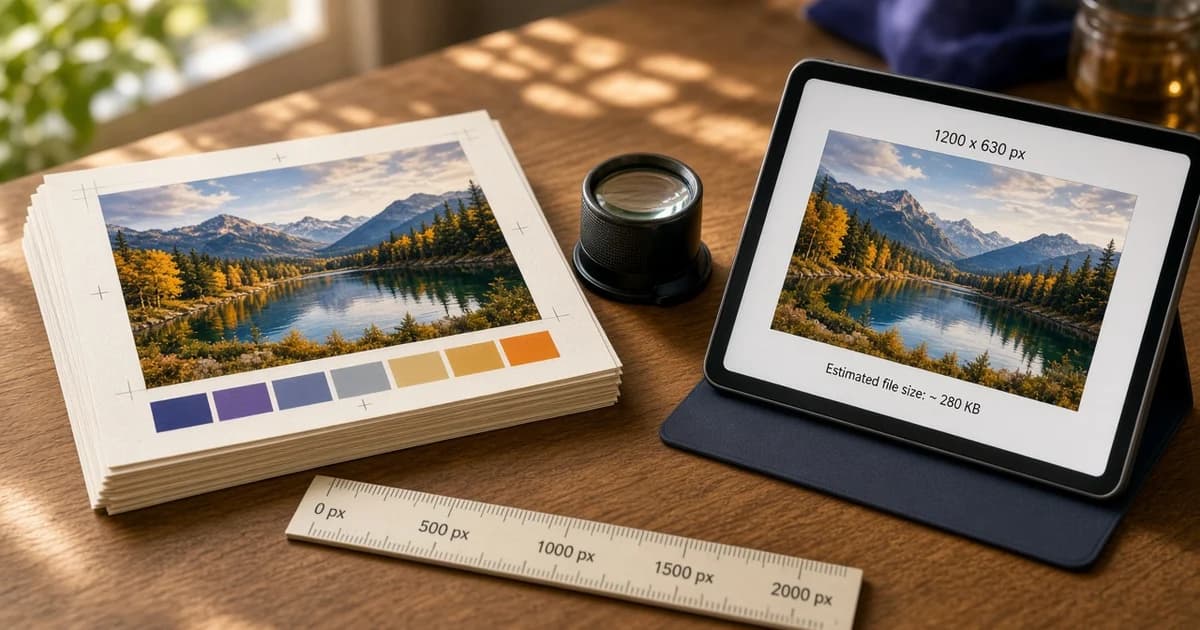
A WhatsApp OG image too large is a file the chat app fetched, or tried to fetch, and then did not use as a wide picture. The tag can be present, the URL can be absolute, and the pixel size can be 1200 x 630. The card still shows a tiny thumbnail, or no picture, because the bytes are heavy.
WhatsApp does not publish an exact byte limit. A commonly cited guideline is a WhatsApp image size under about 300 KB. Treat that as a target, not as a documented cutoff. The WhatsApp link preview guide covers the tags and the cache. This page is only the file weight.
Pixels and the og image file size
1200 x 630 is the frame most often used for a large card. A phone photo at those pixels, saved at high quality, can still be 1 MB or more. The og image file size is what the crawler downloads. Pixel dimensions tell it the shape. They do not tell it the download will finish.
<meta property="og:image" content="https://example.com/events/spring-workshop.jpg" />
<meta property="og:image:type" content="image/jpeg" />
<meta property="og:image:width" content="1200" />
<meta property="og:image:height" content="630" />
Width and height should match the exported file. A tag that says 1200 and 630 while the file is a 4000 pixel original is a mismatch, and the original is the heavy one. Export the share image itself at 1200 x 630, then point og:image at that file.
- JPG for a photograph. Quality around 70 to 80 is usually enough.
- PNG for a flat graphic with text or a logo. Flatten extra layers first.
- Keep the subject in the center. Some layouts crop toward a square.
- Use an absolute https URL. A relative path is a separate failure, covered in the missing og:image guide.
How to shrink the file
Crop first, then compress. Cropping to 1200 x 630 removes pixels you were never going to show. Compressing the full camera frame and then hoping a platform crops it still sends the heavy file.
The OG image size tool crops in the browser and exports a 1200 x 630 JPG. Check the downloaded file's size in your folder before you upload it. If it is still over about 300 KB, export again at a lower quality. A photo of a simple scene usually lands near 150 to 250 KB. A busy photo with fine detail can need a second pass.
A designed card, with a title on a flat background, is often smaller as PNG than a photograph, and smaller still if you export the same design as JPG once the background is not transparent. The OG image generator builds that kind of file from a template. Prefer the JPG export when the link will be sent in chat.
Do not upload the CMS "original" and rely on a resized derivative that only the website uses. The og:image URL has to be the small file. A URL that redirects to a full-size asset on a CDN is still the full-size asset.
What the checker can see
Paste the page into the Open Graph checker. The image panel shows the published URL, whether the file loaded, the pixel size when the format exposes it, and the file size when the response includes it. A file over about 300 KB is flagged. A file the checker cannot finish reading, because it stops at 512 KB, is flagged as larger than that read.
The flag is a weight warning, not a WhatsApp error code. WhatsApp has no public debugger that says "too large." About 300 KB is a practical target, not a limit WhatsApp publishes. If the checker shows a light file at 1200 x 630 and a new chat still has no picture, look next at a login wall, a blocked host, or a stored card. A ?v=2 copy is a comparison. A different card suggests the plain URL is still using a stored preview. The same card on both can also mean the fetch was blocked.
Formats that stay heavy
A PNG of a photograph is often several times larger than the same crop as JPG. An image with a wide transparent margin still counts every pixel in the file. A WebP can be the smallest of the three, and a chat client that does not decode it shows no picture, which looks the same as a file that was skipped for weight.
Animated files and multi-megabyte originals are the wrong asset for this tag. Publish one still frame. If the page needs a large image in the article, keep that file in the body and point og:image at the small export. Two URLs, two jobs.
Measure the file you upload, not the size the editor shows before export. Some tools report the uncompressed bitmap. The number that matters is the JPG or PNG on disk, after save. If that number is still high, lower the quality one step and save again.
After the file is replaced
Overwriting the bytes at the same URL often leaves the old picture in chats that already fetched it. Change the filename or add a query string on og:image, deploy, and confirm the checker reports the new size. Then send the page URL in a new message. Messages already sent keep the card they were composed with.
The WhatsApp preview image on that new message should be the light file. If the panel still shows the old byte count, open the image URL on its own. The tag may still point at the old file, or the chat may be reusing a stored copy. Read the size there before you test the chat again.