

Sitemap Errors in Search Console: Causes and Fixes
Search Console says the sitemap could not be read when the file is HTML, broken XML, or over the size limits. Match that message to the fix.
By Abid Ali, maintainer of OG Scope
Published
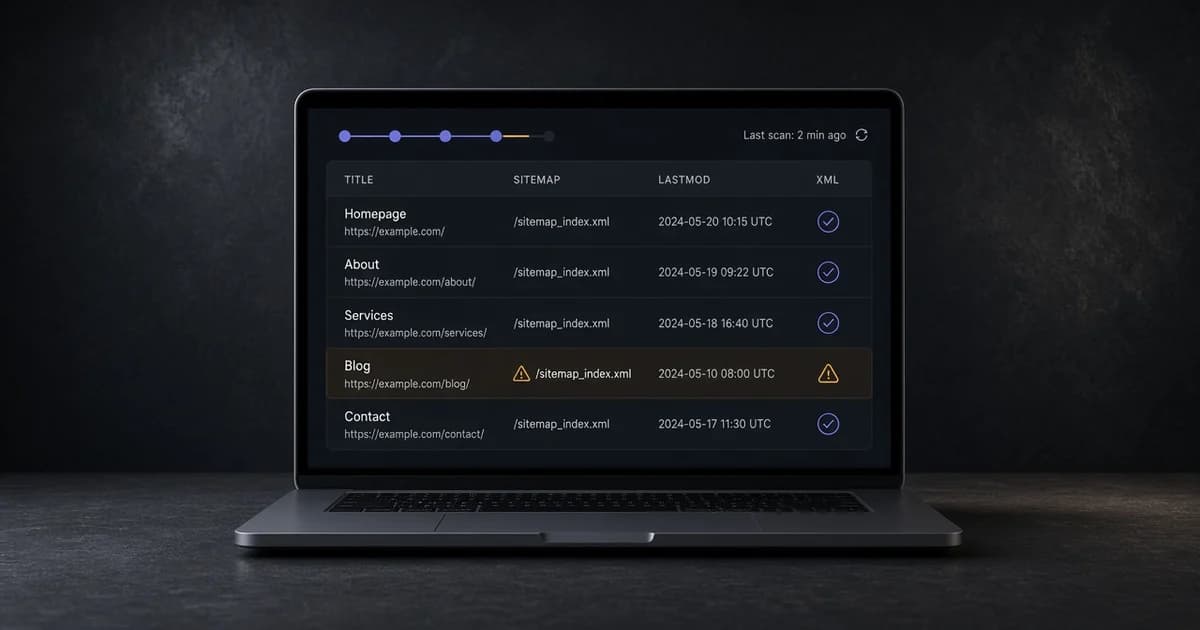
A Search Console sitemap status of "couldn't fetch" or "sitemap could not be read" means Google did not get a file it can parse as a list of URLs. Sitemap errors at that step are about the file itself: the address, the XML, the encoding, or the size. They are not a statement about whether each URL deserves to rank.
Fetch the same address yourself, confirm it is XML or a text list of URLs, then fix the first error and submit the file again. The sitemap protocol is the format. Google's sitemap documentation is how Search Console treats that format. A search console sitemap that is valid XML can still list URLs Google will drop. Fix the read error first.
A file Google can read
A minimal XML sitemap is a urlset, a namespace, and one loc per URL. UTF-8 is the encoding. Do not declare another encoding in the XML prologue.
<?xml version="1.0" encoding="UTF-8"?>
<urlset xmlns="http://www.sitemaps.org/schemas/sitemap/0.9">
  <url>
    <loc>https://www.example.com/blog/field-notes</loc>
    <lastmod>2026-01-15</lastmod>
  </url>
</urlset>- Each
locis an absolute http or https URL. - At most 50,000 URLs and 50 MB uncompressed per file.
lastmodisYYYY-MM-DDor a full W3C datetime, and it is the date the page changed.- The namespace is
http://www.sitemaps.org/schemas/sitemap/0.9.
A text sitemap is also allowed: one absolute URL per line, no XML. Do not mix the two in one file. An HTML page, a JSON feed, or a CSV export is not a sitemap, even when the URL ends in .xml.
Sitemap could not be read
When the message is that the sitemap could not be read, open the address in a browser. An HTML page, a login form, or a soft 404 is the usual answer: the URL is a web page, not a sitemap. Use the address on the Sitemap: line of robots.txt, often /sitemap.xml.
If the file is XML and still fails, it is an invalid sitemap at the first well-formedness error. An unescaped & in a URL, a missing closing tag, or a root element that is not urlset or sitemapindex stops the reader. Escape & as & inside loc. A space in a path has to be %20.
Paste the sitemap URL into the sitemap validator. It reports the XML error or the bad entries with line numbers, including dates, duplicate URLs, and the 50,000 URL and 50 MB limits. Fix the first reported line, fetch the file again, and submit that same URL. A second copy at a different path will not clear the error on the address Search Console already has.
Could not fetch, and redirects
"Couldn't fetch" is a different search console sitemap status. Google asked for the URL and did not get a usable response. A 404, a 500, a redirect loop, a firewall, or a login challenge all look like this. Open the URL in a private window. The status and the body should be the sitemap, not an HTML error.
A redirect in front of the file can be fine when it ends on the sitemap with one hop. A chain, a loop, or a redirect to HTML is not. The 301 vs 302 guide covers how to read those hops. Submit the final URL if that is the address you intend to keep, and point robots.txt at the same address.
URLs inside an otherwise valid file
A file can parse and still list addresses Google will drop. Relative paths are not allowed. URLs on another host or another protocol are outside the protocol's scope unless the sitemap is cross-submitted. A sitemap stored in a folder covers only URLs under that folder, so /blog/sitemap.xml does not cover the home page.
lastmod in the future, or the same date on every URL after every deploy, does not make the XML invalid. Google says it ignores lastmod when the value is not consistently accurate. Set it from the real change date of the page. A date that is not W3C Datetime is an error in that entry. Use 2026-01-15 or a full datetime with a timezone. Do not use a locale string such as 15/01/2026.
Duplicate loc values waste the 50,000 URL budget and confuse the read. Keep one entry per canonical URL. If the site serves both a www host and a bare host, list the host that is the canonical one, and redirect the other. Listing both doubles the file without adding pages.
Encoding and a file that looks empty
A byte-order mark, a UTF-16 file, or a declaration that says encoding="ISO-8859-1" can stop the read before the first loc. Save the file as UTF-8. Open it in a text editor and confirm the first line is the XML declaration or the first URL, not a blank page from a framework error.
Gzip is fine when the server sends Content-Encoding: gzip and the uncompressed file is still under 50 MB. A file that is HTML with an XML content type is still HTML. The validator and a browser should both show a urlset or a list of URLs.
When the file is too big, or missing
Split a file past 50,000 URLs or 50 MB into several sitemaps and list those files in a sitemap index. Each child sitemap is its own file with the same rules. The index lists sitemap URLs, not page URLs.
<?xml version="1.0" encoding="UTF-8"?>
<sitemapindex xmlns="http://www.sitemaps.org/schemas/sitemap/0.9">
  <sitemap>
    <loc>https://www.example.com/sitemaps/blog.xml</loc>
  </sitemap>
</sitemapindex>
A site with no file yet can be crawled into one with the sitemap generator, up to 20,000 pages, including a sitemap index when the site is large. Submit the index URL, not every child, when the index is the file robots.txt names.
After the file is valid, submit that exact URL in Search Console and wait for a new read. Google's documentation also says it ignores priority and changefreq. Leaving valid values in does not make an otherwise good file into an invalid sitemap. Removing them does not fix a parse error.