
Guide
Why JavaScript Meta Tags Fail Social Previews
Why a share card misses Open Graph tags that a script adds after load, and how to confirm those tags are in the first HTML response on the public page.
By Abid Ali, maintainer of OG Scope
Published
Open Graph tags not showing JavaScript is what happens when the tags exist only after a script runs. The browser paints them. The share card never receives them. Facebook, LinkedIn, X, and the checkers on this site read an HTTP response. They do not wait for the app to boot.
A missing image file, a blocked image, and a card saved from an older fetch are a different failure. The image-specific version of a tag that exists only after a script runs is Tags that exist only in the browser. This page is the general case: any title, description, or image tag that a script inserts. Next.js has its own note in Check the HTML, not the component. The steps below apply to any client-rendered page.
What the first response contains
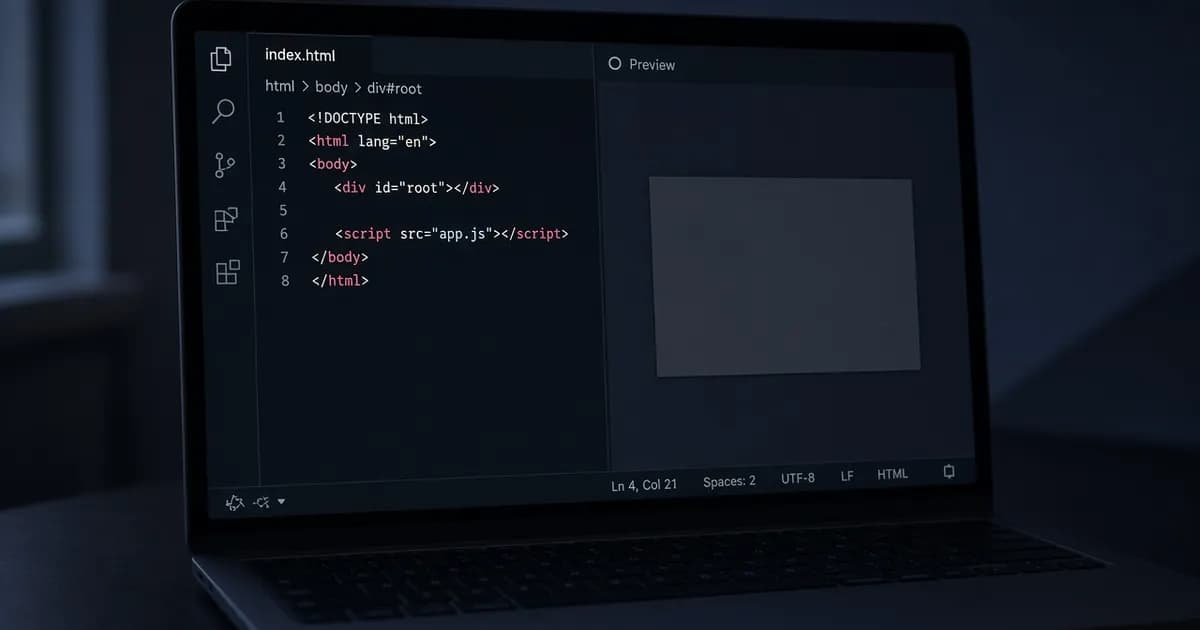
A single-page app often sends a shell. The body is an empty mount point and a script:
<div id="root"></div>
<script src="/assets/app.js"></script>
The script then builds the page, and a client effect writes document.title and inserts meta elements. The Elements panel shows those tags. They were not in the bytes the server sent. JavaScript meta tags of that kind are visible to a person and invisible to a fetch that does not run the script.
Facebook documents its share crawler as an HTTP fetch. The crawler page shows a curl request with the facebookexternalhit user agent, and it requires the Open Graph properties in that response, before the first 1 MB. A tag created later is not in the response curl prints. If the tag is absent from the response, a LinkedIn or X card cannot be built from it either. This site's Open Graph checker and the meta tag checker read that response and do not run the page scripts.
Google is a different reader. Its JavaScript SEO documentation covers pages that set the title and the meta description with a script. A title that appears in Google does not prove a share crawler received the Open Graph tags.
How a client-only head gets there
The usual setups are a route component that runs only in the browser, a useEffect that sets the title after data arrives, and a head library that updates the document after mount. Helmet used without a server render is that last case. The library can be correct for a person looking at the tab. The response HTML still has the shell.
A framework that renders on the server, or that writes a static HTML file per URL, puts the tags in the response before any script runs. The same library is fine when the server includes its output in the document. The test is the response, not the name of the library. A prerender that saves the HTML after the app runs can put the tags in the file the server returns. The checker cannot tell that file from a template. It only sees whether the tags are present. If the host still sends the empty shell to a request that is not a browser, the checker and a share crawler receive the shell. The source in the checker and the source from view page source have to match.
Tags built from a request that runs only in the browser fail the same way. The title may depend on a JSON call that never happens during the document request. The server would have to make that call, or already know the title, before it sends the HTML.
Confirm it with view page source
Open the live URL and use view page source, not the Elements panel. Search the source for og:title, og:description, and og:image. If the source has none of them and the inspector does, the tags are client-only.
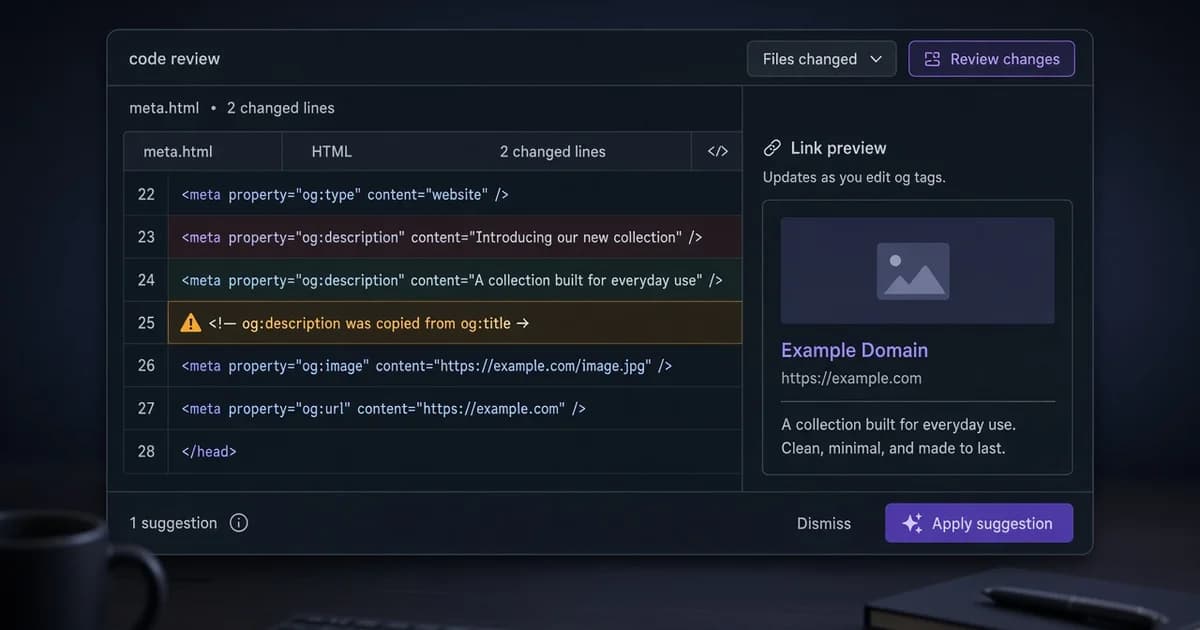
Paste the same URL into the Open Graph checker. An empty title, an empty description, or a missing image in that result matches the source, not the inspector. The meta tag checker lists the document title and the HTML description from the same kind of response. A title that shows in the tab and not in that list was set by a script.
Check the URL that people share, not only the home page. A passing home page does not clear a post URL that still returns the shell. A client router can change the address without a new document. The crawler requests that address on its own and receives whatever the server sends for it. If every address returns the same shell, every share gets the same empty card.
Put the tags in the response
The server, or the static file for that URL, should already contain the tags:
<title>Maple Ridge trail notes</title>
<meta name="description" content="A 6 km loop, open April through October.">
<meta property="og:title" content="Maple Ridge trail notes">
<meta property="og:description" content="A 6 km loop, open April through October.">
<meta property="og:image" content="https://example.com/maple-ridge.jpg">
Render that head for the specific URL. A single title baked into the shell is still the wrong card for every other path. An image address has to be absolute once the tag is present. A relative path, a blocked file, and a stored card are the other guide. Adding a query string to a URL that still returns the shell only fetches the shell again. After the change, repeat view page source and the checker. The tags should be in both before you look at a platform debugger.
Facebook's Sharing Debugger shows the HTML its crawler received and can request the URL again. Use it after the source contains the tags. If the source is still a shell, scraping again only saves the shell. A card that stays old after the source is correct is a stored copy, which is the other guide, not this one.
Check the live URL
Paste the page into the Open Graph checker to see the tags the server sends.
Open the Open Graph checker