
Guide
WordPress Open Graph Tags: Yoast and Rank Math
Where Yoast SEO and Rank Math set WordPress Open Graph tags, why the featured image can win, and how to check the public page before sharing.
By Abid Ali, maintainer of OG Scope
Published

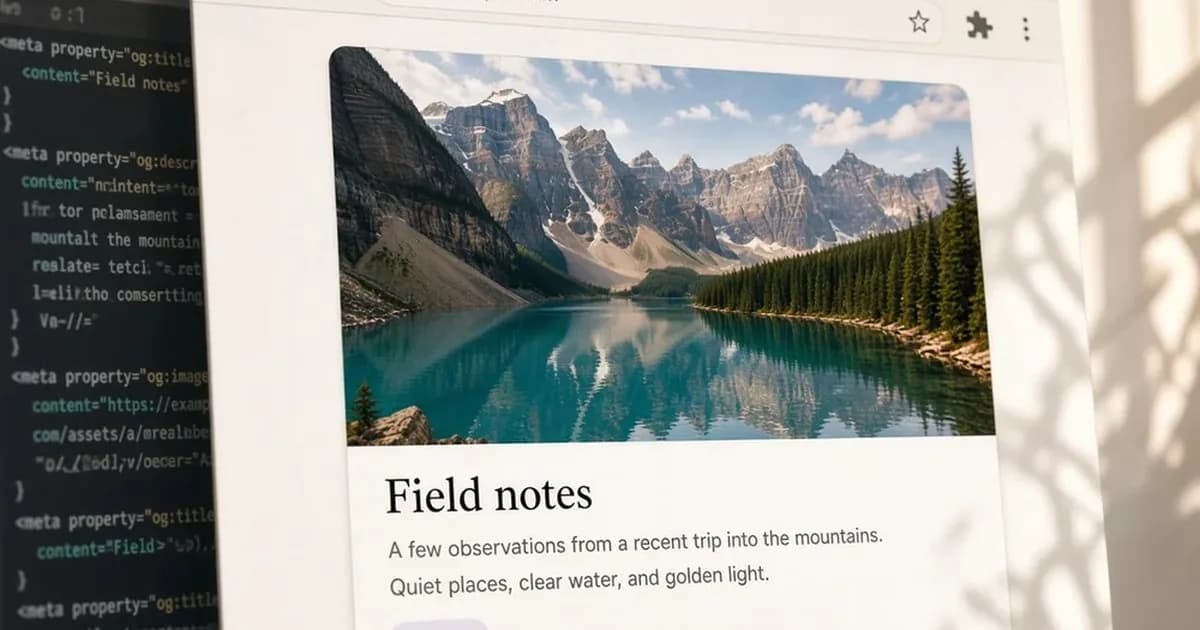
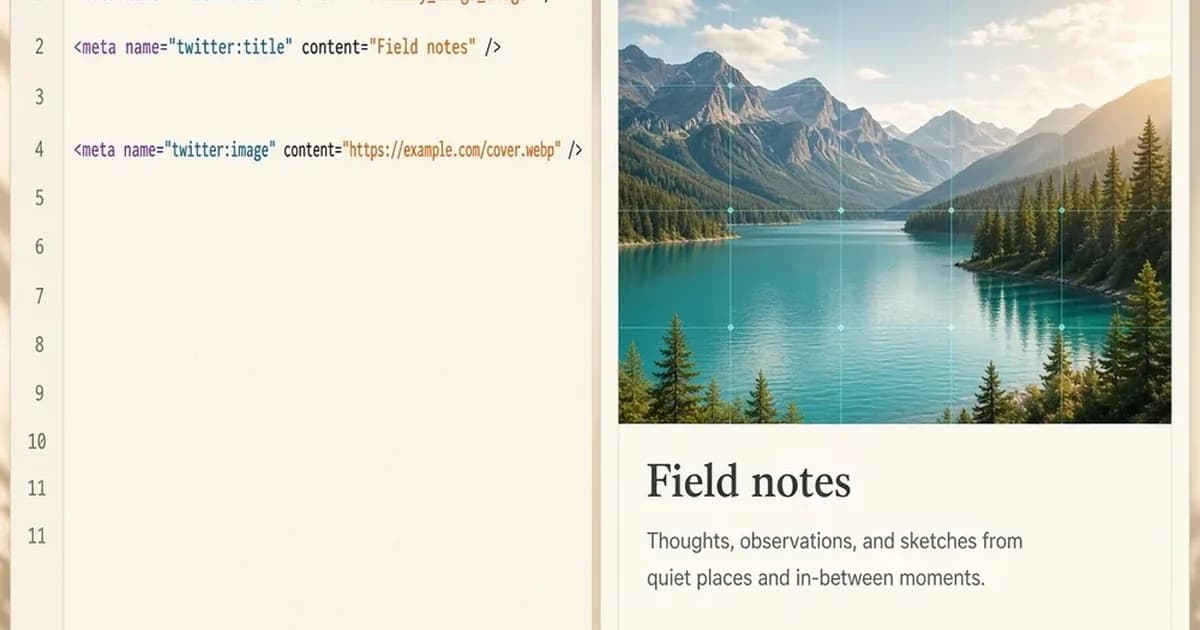
WordPress Open Graph tags are the title, description, image, and page URL in the HTML a share card reads. WordPress does not print them by itself. Yoast SEO or Rank Math can, and so can a few lines in the theme. The card uses whichever values are in the public response, not the preview inside the editor.
A post that already has the tags looks like this:
<meta property="og:type" content="article" />
<meta property="og:title" content="Field notes for the week" />
<meta property="og:description" content="What changed in the editor, in two lines, without the site name." />
<meta property="og:url" content="https://example.com/notes/field-notes" />
<meta property="og:image" content="https://example.com/images/field-notes-1200x630.jpg" />
<meta property="og:site_name" content="Example Notes" />
Paste the public URL into the Open Graph checker to see which tags that response contains and an estimated card. The estimate is not a screenshot of Facebook, LinkedIn, or X.
Turn on Yoast SEO Open Graph
Yoast's help says Open Graph data is on by default. If the tags are missing, the same article gives this path: open Yoast SEO, then Settings, then Site features, then Social sharing, and switch Open Graph data on. Save the change. Yoast also asks for the site's social accounts under Settings, then Site representation, and for a default image under the site basics so a post with no picture still has one. Yoast says 1200 by 630 pixels works well for that image.
Those steps are on Yoast's Open Graph help and on Yoast's social media article.
Set a title and image on one page
For a post or a page, Yoast's customize article says to open the Yoast SEO sidebar, then Social media appearance, and set an image, a title, and a description. Products, categories, and tags use the Social tab under the editor instead of that sidebar.
The homepage depends on what Settings, then Reading, shows. A static homepage is edited like any other page. A homepage that lists the latest posts is edited under Yoast SEO, then Settings, then Content types, then Homepage, then Social appearance. The social title there starts as the site title variable, and it can be changed before saving.
Which image Yoast picks
Yoast's Open Graph specification lists the image order. The first match that exists is the one printed in og:image:
- The Facebook image set in the Social tab of the Yoast box.
- The WordPress featured image, on posts. A square or tall featured image is used here, ahead of the wide default.
- A prominent image in the content. If that image was resized in the editor, Yoast uses the full-size file, except when indexables are turned off.
- With Yoast SEO WooCommerce, the first image in the product gallery, after the steps above.
- The social default image from the Search Appearance template.
- The site fallback, described in that specification as the default image under SEO, then Social, then Facebook.
That order is the featured-image pitfall. A default social image only appears when the post has no Facebook image, no featured image, and no usable content image. Set the social image on the post when the featured image is the wrong crop. The same specification says og:type is website on the homepage, profile on a user profile, and article on posts, pages, and other templates. og:url is the canonical URL. Width and height tags are added only when Yoast knows both dimensions.
Set Rank Math Open Graph
Rank Math's Open Graph article gives a different image order:
- The Open Graph image set for that post.
- The featured image.
- The first image in the post.
- The default Open Graph thumbnail.
The per-post image is uploaded in the Rank Math sidebar, on the Social tab, in the block editor. The featured image is the normal WordPress featured image on that post. The default thumbnail is under Rank Math SEO, then Titles & Meta, then Global Meta, then OpenGraph Thumbnail. Rank Math asks for 1200 by 630 pixels there, and names jpeg, png, and gif as the formats in that note. Its article also says the plugin can output WebP and AVIF. A platform can still skip a format it does not read, so a jpeg or png at that size is the safer file when the card must match the usual large preview.
The homepage image also depends on Settings, then Reading. If the homepage shows the latest posts, Rank Math uses Titles & Meta, then Homepage, then Homepage Thumbnail for Facebook. If a page is set as the homepage, the image is set in that page's Rank Math box. For og:site_name, Rank Math uses the website name under Titles & Meta, then Local SEO. If that name is empty, it uses the site title from Settings, then General.
Leave the tags to one plugin
Yoast's Open Graph help warns when another plugin also prints Open Graph tags. The warning says both plugins create that output, and Facebook, X, LinkedIn, and other networks may then use the wrong texts and images. Rank Math and Yoast SEO both print these tags. Keep one of them responsible. Yoast's documented control is the Open Graph data switch under Social sharing.
Print the tags in the theme
This applies when no SEO plugin is printing the tags. The tags belong in the head of the theme, with absolute https URLs. A minimal post template can read the title, the excerpt, and the permalink:
<meta property="og:title" content="<?php echo esc_attr(get_the_title()); ?>" />
<meta property="og:description" content="<?php echo esc_attr(get_the_excerpt()); ?>" />
<meta property="og:url" content="<?php echo esc_url(get_permalink()); ?>" />
<meta property="og:image" content="https://example.com/images/default-1200x630.jpg" />
<meta property="og:type" content="article" />
Replace the image URL with a file that is actually on the site. A path such as /images/cover.jpg is a common reason the card has no picture. 1200 x 630 pixels is the size most often used for a large link preview. The og:image guide covers that size and the file types. A store on Shopify or Magento is a different setup, covered in the Shopify and Magento guide. A Next.js app sets the same tags in metadata or an image file, covered in the Next.js Open Graph guide.
Check WordPress Open Graph tags on the live page
Open the public URL and view the page source. Search for og:image. The content value should be an absolute https URL, and it should be the social image you set, not an older featured image you meant to replace. Then run that same URL through the Open Graph checker. It fetches the HTML on the server and does not run the page's JavaScript, which matches what a share crawler receives from a normal WordPress response.
A card that Facebook already stored does not change when the HTML changes. Yoast's cache article says to open the Sharing Debugger, enter the URL, choose Debug, and then Scrape Again under the last scrape time. The Facebook link preview guide describes that stored card. The checker on this site can show the tags in the current HTML. It cannot refresh Facebook's copy.
Check the live URL
Paste the page into the Open Graph checker to see the tags the server sends.
Open the Open Graph checker