

What Is og:url? The Open Graph URL and Canonical
og:url gives a shared page one permanent address. See what the tag does, how it relates to the canonical URL, and copy-paste code that keeps both in sync.
By Abid Ali, maintainer of OG Scope
Updated · First published
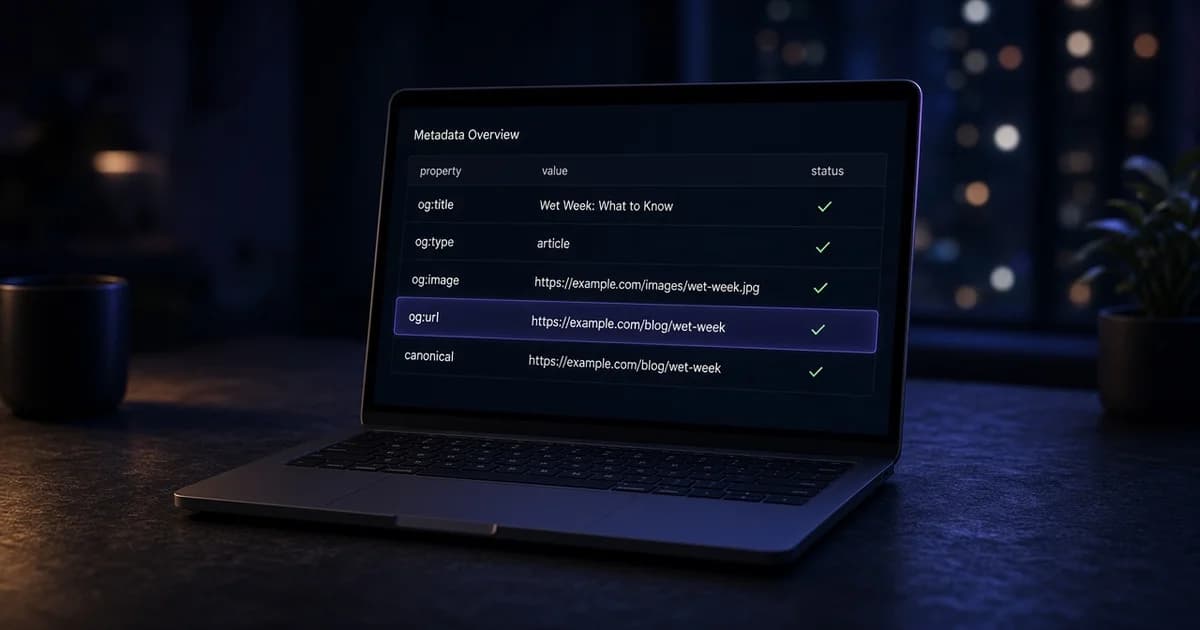
The og:url tag states the permanent address of a page for link previews. It is one line in the HTML head:
<meta property="og:url" content="https://example.com/blog/wet-week" />The Open Graph protocol describes og:url as the canonical URL of the object, used as its permanent ID. In practice the og url value tells a platform which address a card belongs to, even when the link that was shared carries tracking parameters, a mobile subdomain, or an old path that redirects.
This guide covers what the tag does, how it relates to the canonical link, the mistakes that split one page into several URLs, and how to set it in plain HTML, Next.js, and WordPress.
What og:url does
The tag is a <meta property="og:url"> line with an absolute URL as its value. It usually sits beside the canonical link and the other basic Open Graph tags:
<link rel="canonical" href="https://example.com/blog/wet-week" />
<meta property="og:url" content="https://example.com/blog/wet-week" />
<meta property="og:title" content="Field notes from a wet week" />
<meta property="og:type" content="article" />
<meta property="og:image" content="https://example.com/covers/wet-week.webp" />
Facebook's sharing documentation describes og:url as the canonical URL for the page, without session variables, user identifying parameters, or counters, and says likes and shares aggregate at that URL. When og:url names a different address than the shared link, a platform can treat that address as the real page. Other platforms read the tag less strictly, so the safest value is always the same clean URL the page declares as canonical.
Paste the page URL into the Open Graph checker to see the og:url and the canonical URL the server returns.
Missing og:url? How to fix it
The checker reports this as "Open Graph URL is missing." Without the tag, platforms usually fall back to the shared URL or the address they reached after redirects. Tracking parameters and duplicate addresses then count as separate pages.
The fix is one og:url line holding the same absolute https address as the canonical link, in the HTML the server returns. Set both from one value in the page template so they cannot drift apart.
og:url vs canonical
The two tags state the same thing to different readers. The canonical link tells search engines which version of a page to index. og:url tells social platforms and chat apps which address the card belongs to.
| rel="canonical" | og:url | |
|---|---|---|
| Read by | Search engines | Social platforms and chat apps |
| Markup | <link rel="canonical"> | <meta property="og:url"> |
| Value | Absolute URL | Absolute URL |
| Should match the other | Yes | Yes |
The og url canonical pair should carry the identical string: same protocol, same host, same path, same trailing slash. A mismatch does not break a card, but it gives search engines and social platforms two different answers about the same page. The guide to Open Graph and SEO covers where the two systems overlap.
Choosing the open graph url value
- Absolute and https. Write the full address, including
https://and the host. A relative path has no host for a crawler to resolve against. - The final address. Use the URL a visitor ends up on after redirects, not an old path or a short link. A redirect checker can check redirect chains to find that address.
- No tracking or session parameters. Leave out UTM tags, click IDs, and session tokens. Keep parameters only when they select different content, such as a product variant with its own page.
- One host. Pick www or the bare domain and use it everywhere.
- One per page. Each page gets its own og:url. It is not a site-wide value like og:site_name.
Common og:url mistakes
<!-- Relative path -->
<meta property="og:url" content="/blog/wet-week" />

<!-- Tracking parameters copied from the shared link -->
<meta property="og:url" content="https://example.com/blog/wet-week?utm_source=newsletter" />

<!-- Every page points at the homepage -->
<meta property="og:url" content="https://example.com/" />- Every page points at the homepage. A theme or plugin prints the site address on all templates. A platform that follows og:url can then show the homepage card for an article.
- Parameters copied from the request. A template builds og:url from the incoming address, so every newsletter or ad click becomes its own URL.
- Staging or preview hosts. A hard-coded host from a staging build ships to production.
- http and https mixed. The page loads on https, while og:url still says http.
- Duplicate tags. A theme and an SEO plugin both print og:url, sometimes with different values.
- Tags added only by JavaScript. Many crawlers read the first HTML response without running scripts, so a tag set in the browser is not seen.
Pages with more than one address
Some content is reachable at several URLs. The rule is the same in each case: og:url and the canonical link name the version that should collect shares.
- Mobile or AMP copies. Point og:url at the main article so shares from every version count toward one address.
- Pagination. Page 2 of a list is a different page and usually keeps its own og:url.
- Filtered and sorted listings. A sort order is not new content. Point og:url at the unfiltered listing.
- Product variants. When each variant has its own URL and content, each can keep its own og:url. When variants are only a selector on one page, use the main product URL.
How to set og:url
- Plain HTML. Print the canonical address once in the page template and reuse it for both the canonical link and og:url.
- Next.js App Router. Set
metadataBasein the root layout, then setalternates.canonicalandopenGraph.urlper page. Relative values resolve againstmetadataBase, so both tags end up absolute. - WordPress. SEO plugins usually print og:url from the canonical URL they calculate. Check that only one plugin or theme prints the tag.
// app/layout.tsx
export const metadata = {
  metadataBase: new URL("https://example.com"),
};

// app/blog/wet-week/page.tsx
export const metadata = {
  alternates: { canonical: "/blog/wet-week" },
  openGraph: { url: "/blog/wet-week" },
};
When a platform still shows the old address
Changing og:url does not update a card a platform already stored. Facebook's Sharing Debugger and LinkedIn's Post Inspector can fetch the page again. The Facebook link preview guide explains how that cache behaves.
Check og:url on a live page
- Open the page with a tracking parameter added to the address.
- View the source and confirm og:url still shows the clean URL.
- Compare og:url with the canonical link character by character.
- Repeat on one article, one listing, and the homepage.
The meta tag checker lists the canonical URL with the robots tag and other head tags. Set one clean address per page, print it in both tags from the same source, then check the live URL in the Open Graph checker before sharing it.