

Discord Link Preview: Tags, Image, and Embed
A Discord link preview is an embed from Open Graph tags. See the title, description, and image Discord can show, and why a sent message keeps its old card.
By Abid Ali, maintainer of OG Scope
Published
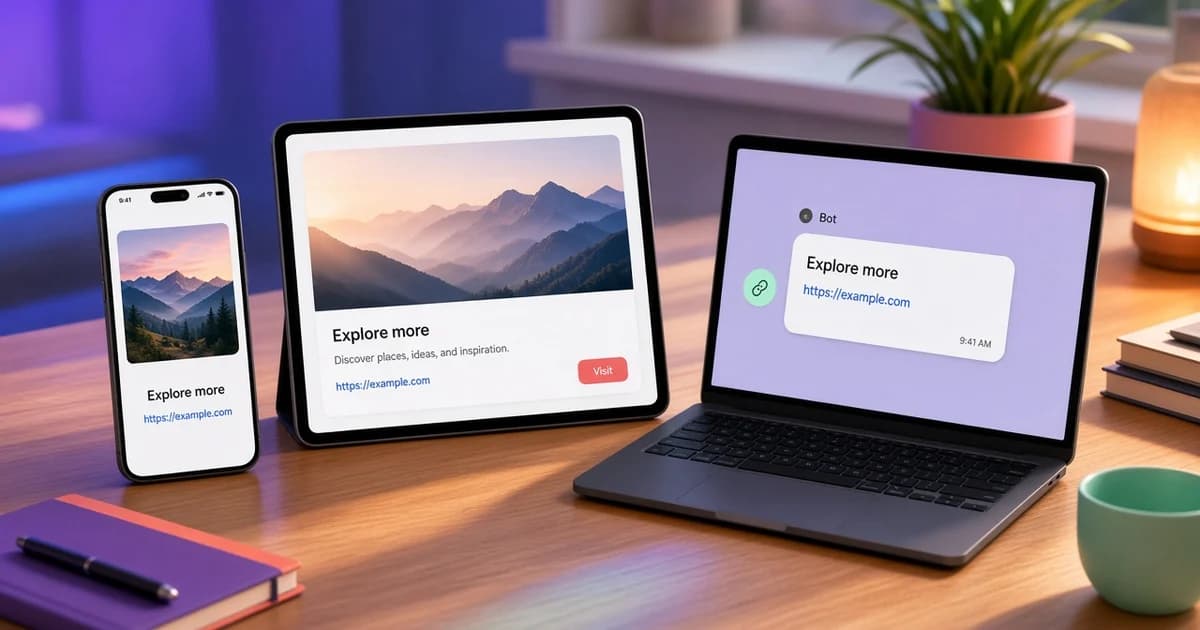
A Discord link preview is the box Discord places under a URL. Discord calls that box an embed. For a public page, the discord embed is built from Open Graph tags: og:title becomes the linked title, og:description the text under it, and og:image the picture. og:site_name can show as the small name above the title.
A bot can send an embed it constructed itself, with fields, colors, and images the bot chose. That is not the same as the preview a member gets by pasting a link. This page is about the pasted link. Fixing Open Graph tags does not change an embed a bot assembled in code.
Tags the embed reads
Put the tags in the server HTML. Discord does not run the page JavaScript to discover them. A client-rendered head is invisible to the fetch.
<meta property="og:site_name" content="Harbor" />
<meta property="og:title" content="Office hours, Thursday 16:00 UTC" />
<meta property="og:description" content="Bring one question about the billing migration. The call is 25 minutes." />
<meta property="og:url" content="https://example.com/events/office-hours" />
<meta property="og:image" content="https://example.com/events/office-hours.png" />
<meta property="og:image:width" content="1200" />
<meta property="og:image:height" content="630" />- Keep the title short. The embed title is one or two lines.
- Write the description as a sentence that stands alone.
- The discord og image should be an absolute https URL, commonly 1200 x 630, with the subject near the center.
og:site_nameis the provider name on the embed. Use the site name.
This sample is an event page. A member who pastes the URL gets one discord embed from these tags: Harbor, from og:site_name, above the title; the title as the link, "Office hours, Thursday 16:00 UTC"; the description under it, one question and a 25 minute call; and one image, https://example.com/events/office-hours.png. A second og:image on the same page is not a gallery.
That embed has no sidebar color and no extra fields. A green bar, a field named Room, or a footer with a bot name comes from a bot or webhook payload. Editing these tags does not change that payload. A message already sent keeps this embed. Delete it, or edit the link out, then paste again after the HTML changes. This page does not show a screenshot of Discord.
The Twitter card checker guide is a separate set of tags for X. They do not fill in a Discord embed when the Open Graph tags are missing. The Slack link preview guide uses this same Open Graph set in Slack, where the card is called an unfurl.
Image and a discord cached embed
If the embed has text and no image, open the image URL directly. A 404, a file that is really an HTML error page, or a URL that only works when you are logged in will not become the picture. A relative path has the same result when the crawler does not join it to the host. The missing og:image guide lists those failures.
A discord cached embed is the box stored with the message, or a copy Discord kept for the URL. A message keeps the embed it was sent with. Changing the page later does not rewrite that message. Delete it or edit the link out and paste it again after the HTML is updated.
If you replaced the image file but kept the same URL, Discord can keep showing the old file. A new image URL avoids that copy. This guide does not give a fixed cache time. Send a fresh message after the source is right, and treat an old message as frozen. A query string on a second paste is only a comparison. The same embed on both addresses can come from a blocked fetch or from an image URL that still serves the old file. It does not, by itself, prove the HTML is unchanged.
What belongs in the title and description
The embed title is the link text. Put the page's subject there, not a slogan that could apply to the whole site. The description is one or two sentences under that link. A description that copies the title adds no information once the title is already visible.
og:url should be the address you want the embed to open. If the shared URL and og:url differ, test both. The embed is built from the document Discord fetched, which is the URL that was pasted, after redirects.
Width and height on og:image tell a client the frame before the file arrives. Set them to the real pixel size, usually 1200 and 630. Wrong numbers do not crop the file, and they can reserve a frame that does not match the picture.
Suppressed embeds and bot messages
A server can turn link embeds off, or a role can be blocked from posting them. The same URL can embed in one server and stay a bare link in another. That split is a Discord setting, not a missing tag. Test in a server where embeds are allowed before you change the HTML again.
A message a bot sends with its own embed payload ignores the page. Editing og:image will not change that payload. Look at the bot's code, or at the webhook body, when the card has fields and colors no Open Graph tag can set.
Large images are still one file. Discord does not assemble a gallery from every og:image on the page. Publish the picture you want as the first, or only, image. Keep it at 1200 x 630, on https, with a public response that is the image bytes.
Titles that are only a brand name, and descriptions copied from a menu, produce an embed that says nothing about the page. Write the title for the URL being shared. A docs page, a product page, and a blog post should not reuse one site-wide title if the embed is supposed to tell those pages apart in a channel. Check the live HTML before you change server settings.
Check before you post
Paste the page into the Open Graph checker. The Discord card is an estimate from the tags in the public HTML, not a screenshot of Discord, and this site is not affiliated with Discord. If the estimate is missing a title or an image, the embed in the channel will be missing it too.
Look at the image panel on the same result. It shows the published URL, whether the file loaded, and the pixel size when the format exposes it. A file under about 200 pixels on a side is a poor large image. Export at 1200 x 630, update og:image to the new URL, confirm the checker, then paste the link in a channel where you can delete the message if the embed is still wrong.