
Guide
iMessage Link Preview Not Showing: Causes and Fixes
Why an iMessage link preview is not showing: the tags Messages reads, the image and icon sizes Apple documents, and why a stored preview can remain.
By Abid Ali, maintainer of OG Scope
Published
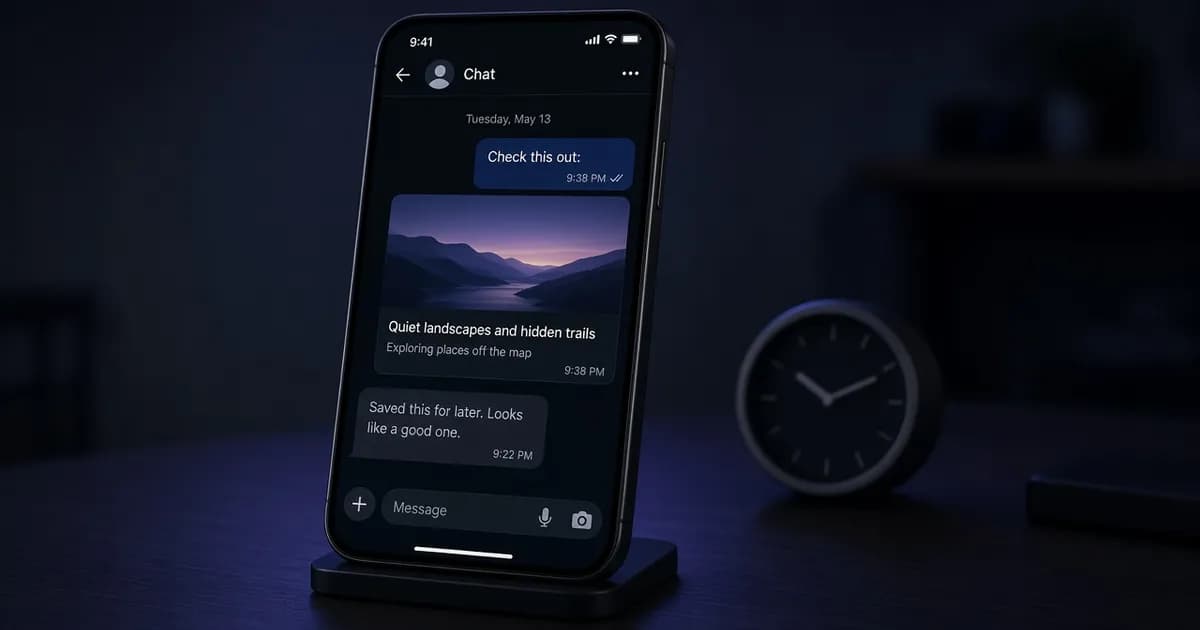
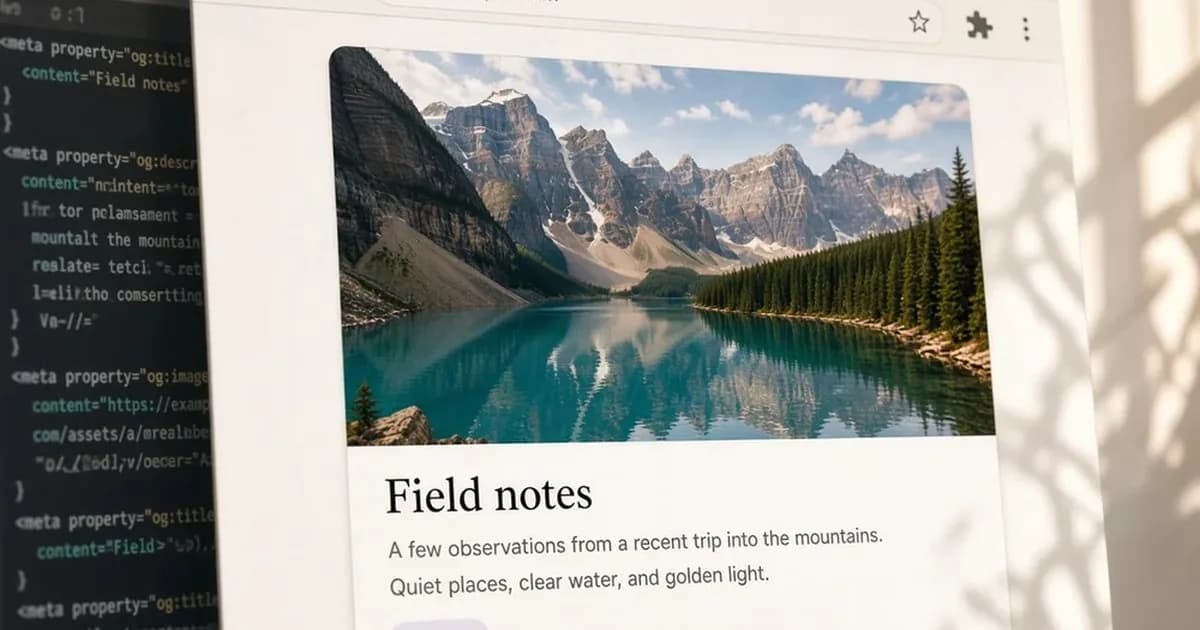
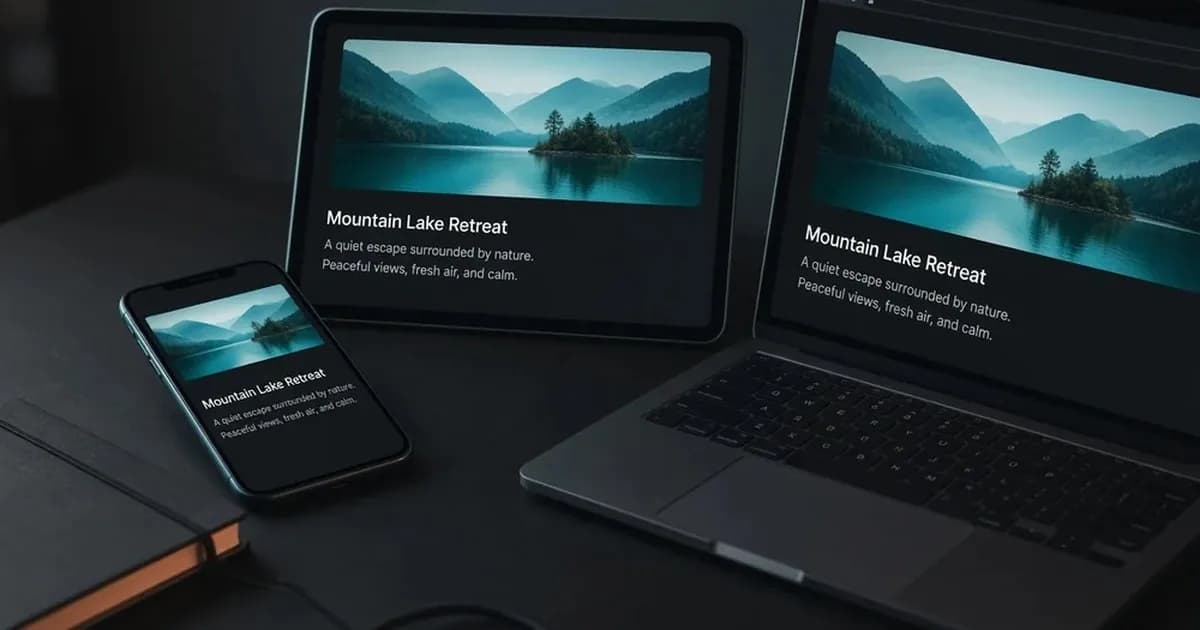
An iMessage link preview not showing as a large card means Messages has no usable Open Graph image to attach. Apple's TN3156 says the Messages app on iOS and macOS then shows a gray bubble with the page title, the domain, and a small icon. A rich preview, with an image and a caption, comes from Open Graph tags in the page HTML.
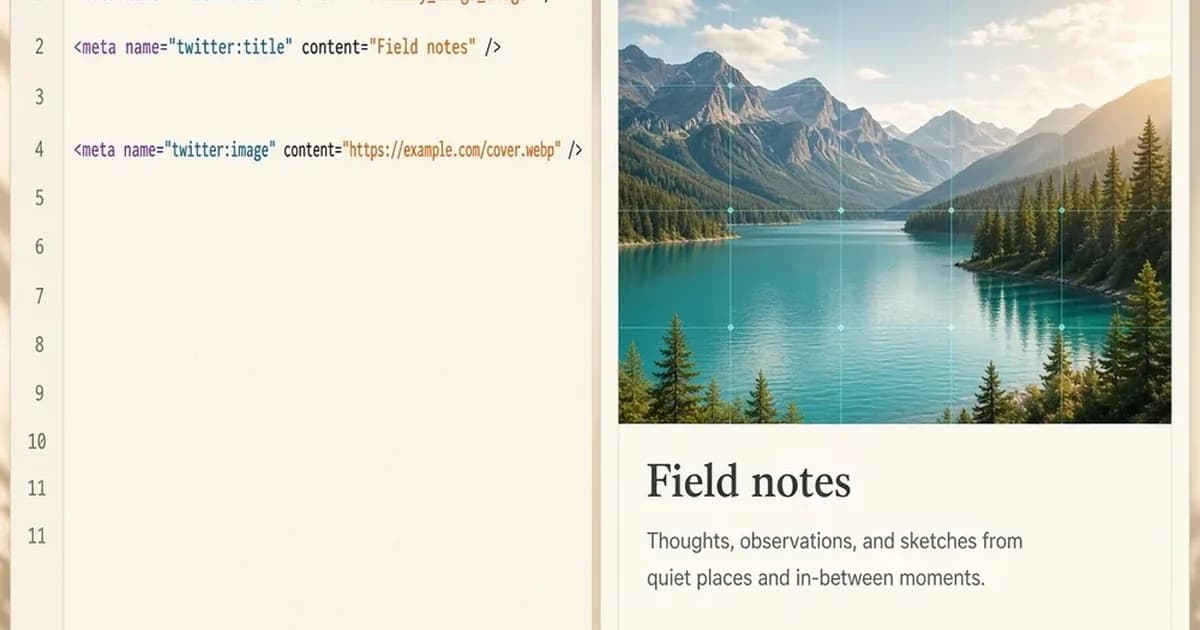
A page that supplies those tags looks like this:
<meta property="og:title" content="Field notes for the week" />
<meta property="og:image" content="https://example.com/images/field-notes-1200x630.jpg" />
<meta property="og:site_name" content="Example Notes" />
<link rel="apple-touch-icon" href="https://example.com/apple-touch-icon.png" />
Paste the public URL into the Open Graph checker. It reads og:title, og:image, and the other tags in the server response. The cards it draws are estimates for Facebook, LinkedIn, X, WhatsApp, Slack, Discord, and Telegram. They are not a Messages screenshot, and the check cannot refresh a preview Messages already stored.
What a Messages link preview reads
TN3156 says to add Open Graph metadata on the page. The example it gives is og:title plus og:image. The title should be short and specific enough to tell one page from another on the same site, such as a product name on a product page. Do not put the site name in og:title. Apple says that repeats the name beside the domain, and that og:site_name is the tag for the site name. The og:site_name guide shows how that tag is written.
Serve the same metadata to every user agent. Apple says a client should not have to change its User-Agent header to receive useful tags. A site that prints one set of tags for a phone browser and another for everyone else can hand Messages the empty set.
The preview does not run JavaScript, and it does not follow a meta refresh. The tags have to be in the HTML of the linked page. A server-side redirect is followed. A page behind a login should still send metadata for the page itself, without private details. If the response is the sign-in page, every shared link can show "Sign In" as the title.
Image width and the icon
Apple's size notes are guidelines, and the note says the limits can change. As published, they are:
- An image should be at least 900 pixels wide.
- An image under 150 pixels wide may be ignored or shown as an icon.
- An icon should be square and at least 108 pixels on a side.
- The HTML of the linked page is limited to 1 MB.
- Icons, images, videos, and other attached files together are limited to 10 MB.
og:image is the large picture. If that file is too small or too low in quality, Apple says to use an apple touch icon instead. The preview otherwise uses an apple-touch-icon, a favicon, or an icon from a link rel="icon" tag. Provide both the wide image and the icon. A wide image can fail to load, and the icon is what the small bubble falls back to.
Apple also says to avoid text inside the preview image. The picture is shown at different sizes, so type in the file can become unreadable. Put the words in og:title. 1200 x 630 pixels is the size most often used for a large link preview on other platforms, and it clears the 900-pixel width in this note. The og:image guide covers that size and the usual file types. The image URL in the tag should be an absolute https address.
A video instead of a still
TN3156 says a video preview should point at the media file itself, not at a page that embeds a player. og:video or twitter:player:stream can do that when the file can be downloaded and played, such as an MPEG-4 file. The preview then downloads the video and plays it. A stream that cannot be downloaded, such as HTTP Live Streaming, waits for a tap. A video that only exists inside embedded HTML does not play in the bubble.
When the rich preview is missing
The gray bubble is the default Messages rich preview without a usable image. Work through the HTML, not the composer:
- View the source of the public URL and search for og:image. If the tag is missing, or it appears only after a script runs, Messages does not see it.
- Confirm the image is at least 900 pixels wide. A file under 150 pixels wide can be dropped or treated as the icon.
- Confirm the address is absolute https, and that the file is one Messages can fetch without a login.
- Add a square apple touch icon of at least 108 pixels so the small bubble still has an icon when the large image is skipped.
- Check that a phone request and a desktop request return the same tags.
For a normal page, og:title and og:image are the pair in Apple's example. og:description is called out separately: on a social network page that previews a user's post, Apple says to put the post text in og:description, to set twitter:card to summary or summary_large_image, and to include a link element whose type is application/activity+json. That extra pair is for those post pages, not for every article.
Why a stored preview stays
TN3156 does not describe a public debugger or a control that makes Messages fetch the URL again. Changing the tags updates what a new fetch can read. It does not, by itself, replace a preview already on screen. There is no cache time in the note, so this guide does not give one.
Facebook does publish a Sharing Debugger that can request a new scrape. The Facebook link preview guide covers that. Messages has no equivalent in Apple's note. The Open Graph checker can show whether the current HTML contains the tags. It cannot clear a Messages copy.
After the tags are in the source, send the link in a new composition and see whether the bubble is still only the title, domain, and icon. If it is, the HTML that was fetched still has no usable image. If a message already in the thread keeps the old bubble, that is the stored preview, not proof that the page is unchanged.
Check the live URL
Paste the page into the Open Graph checker to see the tags the server sends.
Open the Open Graph checker